TL-PA201 200Mbps Ethernet Powerline Adapter
4
2.5 Hardware Connection – Internet
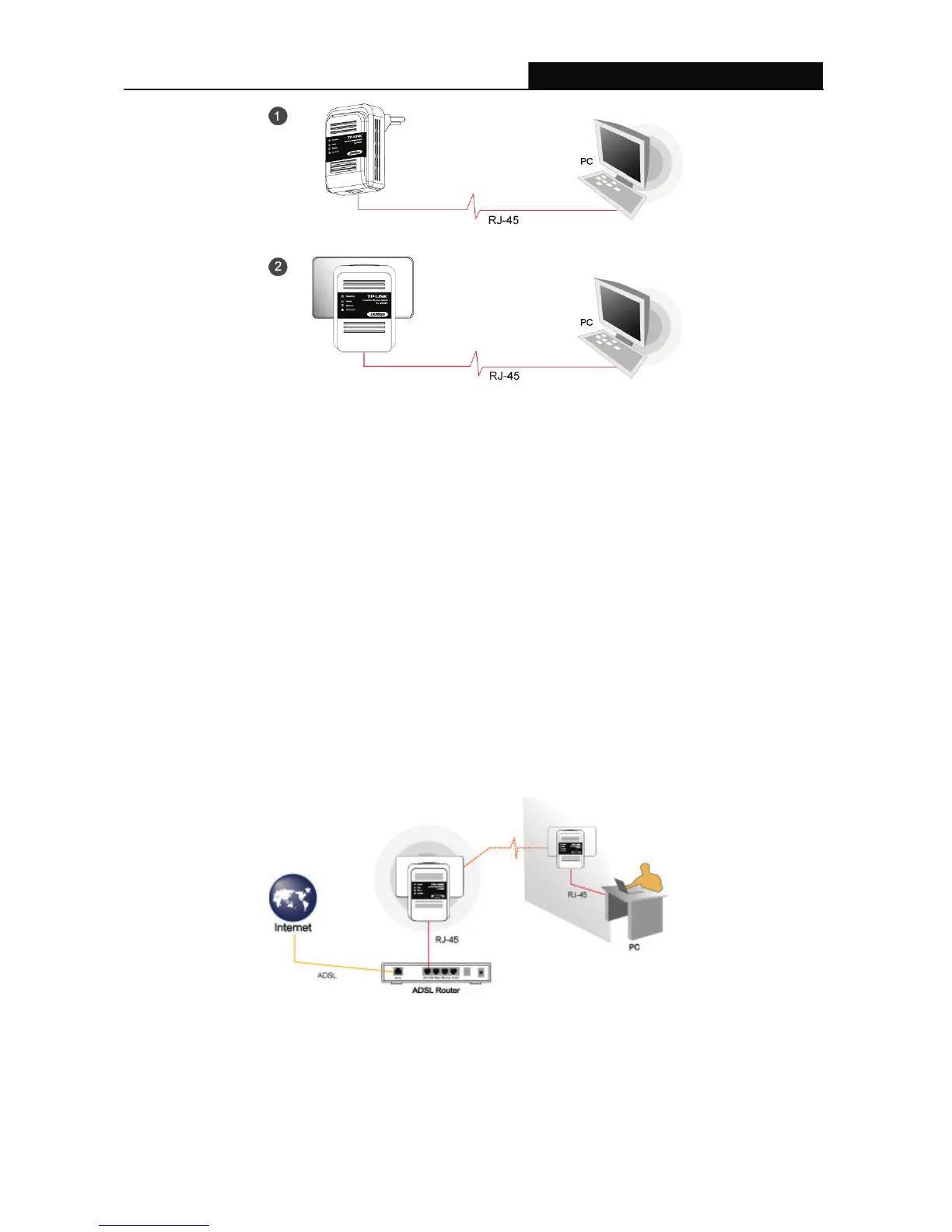
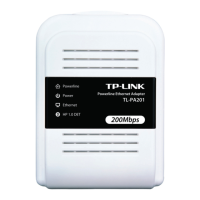
This section describes how to connect the Ethernet Powerline Adapter into your existing ADSL
broadband connection via ADSL Ethernet port. Follow the procedures describe below to connect the
Ethernet Powerline Adapter to your ADSL broadband connection:
1. Power off your PC or Notebook.
2. Connect the provided Ethernet (RJ-45) cable to the Ethernet Powerline Adapter’s Ethernet port.
3. Connect the other end of the Ethernet (RJ-45) cable to an available Ethernet port of your ADSL
broadband Router.
4. Plug the Ethernet Powerline Adapter into a wall socket next to the computer.
5. Turn on your computer.
6. Check and confirm that the Power, Powerline and Ethernet LEDs on the Ethernet Powerline
Adapter are ON.
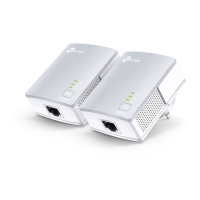
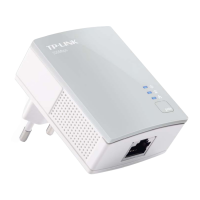
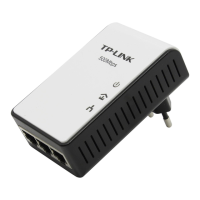
The hardware connection mechanism is shown below:
) Note:
Do not connect the Powerline adapter to an extension lead, power strip,extension cord,surge protector
as this may degrade the network performance


 To Next Page