29
Web Smart Gigabit Switch Family User's Guide
TL-SG2109WEB/TL-SL2210WEB/TL-SL2218WEB/TL-SL2428WEB/TL-SL2452WEB
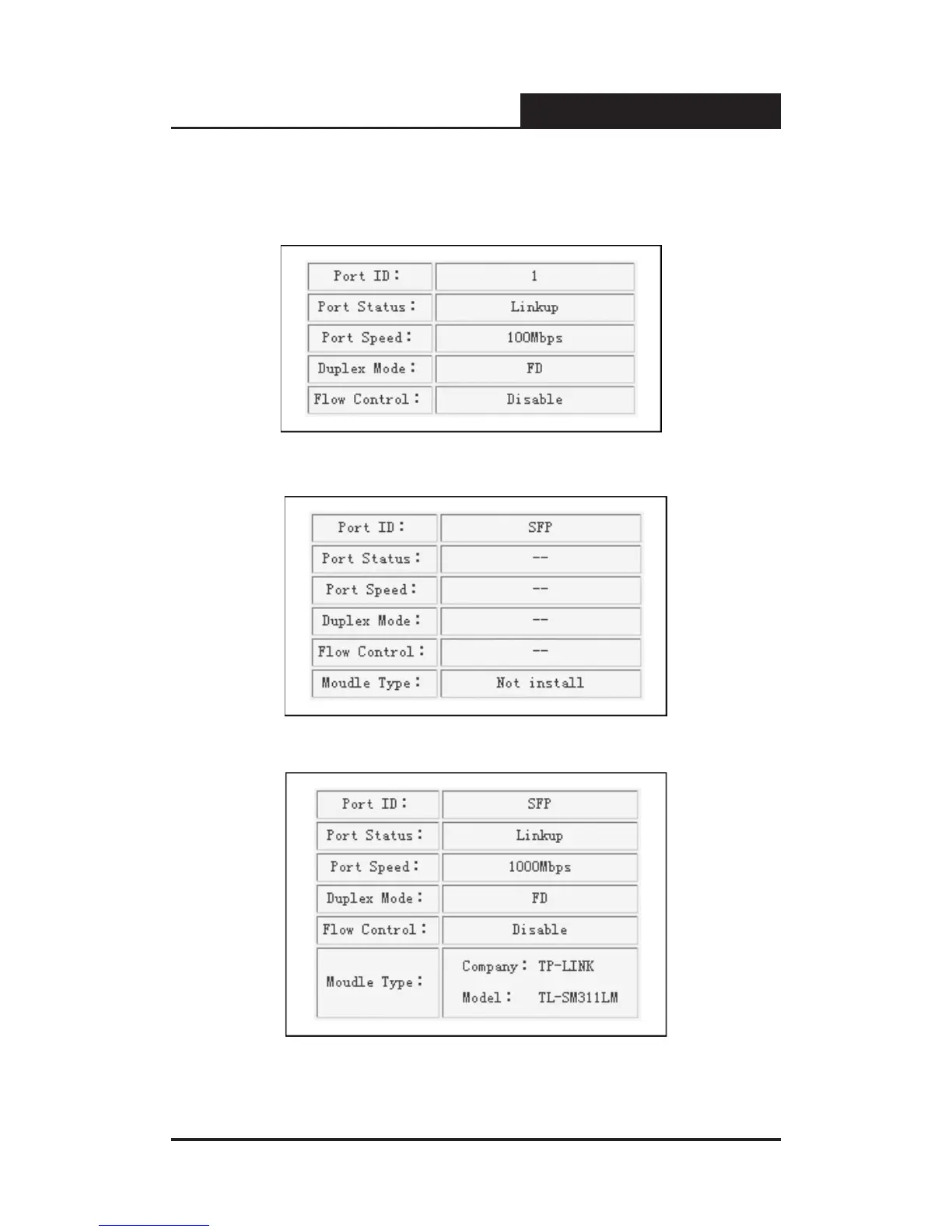
Click on the icon of the port to open a new window, which shows the status
details of the port, as shown below:
Figure 5-10a Port Status Table
Figure 5-10b SFP Status Table (uninstalled)
Figure 5-10c SFP Status Table (installed)











 To Next Page