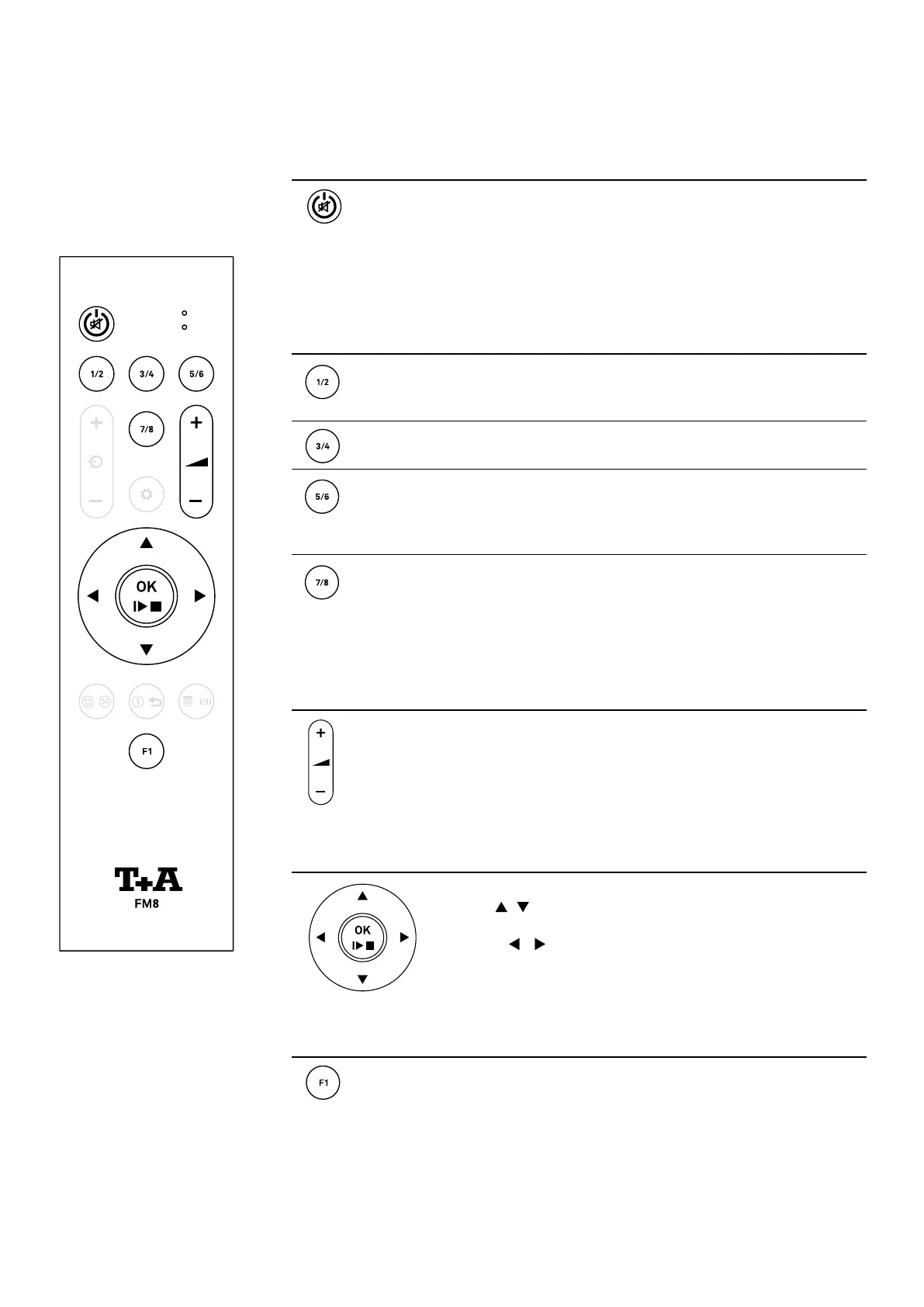
On / Off Switch
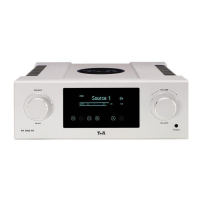
A brief press switches the HA 200 on.
Hold the button pressed in to switch the device off.
A brief press when the machine is operating switches the outputs off
and on (Muting).
Please note the chapter Automatic power down function on page 53.
Source selection
Selects the analog inputs Analog IN 1 (RCA) and Analog IN 2 (XLR) To
switch between Analog RCA and Analog XLR, press the button again if
necessary.
Selects the digital inputs USB IN and AES / EBU.
Press the button again to switch between the two inputs.
Selects the digital inputs S/P DIF 1 and 2 and the optical digital inputs
OPT 1 and 2
To switch between the inputs, press the button repeatedly if
necessary.
Selects Bluetooth connection, digital BNC input and HDMI inputs 1,2
and ARC.
To switch between the inputs, press the button repeatedly if
necessary.
Volume control
Rocker for controlling the volume.
Press „plus“ or „minus“ to adjust the volume in ne steps. If the button
is kept pressed longer, the volume is increased/decreased continuously
until the button is released.
Menu operation
Cursor buttons for menu operation.
Use the buttons to select a menu item.
Press the OK button to activate the selected menu item.
Press the buttons to change the settings.
Then press the OK button to conrm the setting.
Settings
A brief press: Opens the menu for tone controls.
A long press: Opens the system settings menu.
See also chapter System and tone settings.
Remote control
38


 To Next Page