12. Importing Data into Microsoft Excel
The following procedure details the method for importing a WP-81 text
data file into Microsoft
Excel
.
1. Start Microsoft
Excel
and select File Open
2. In the “Files of type:” pull-down box, choose “Text Files (*prn; *.txt;
*.csv)”.
3. Navigate to the folder where your data file is stored and double-click
it to start the Text Import Wizard.
Note: The default data folder for the WinTPS software is “C:\My
Documents\WinTPS”.
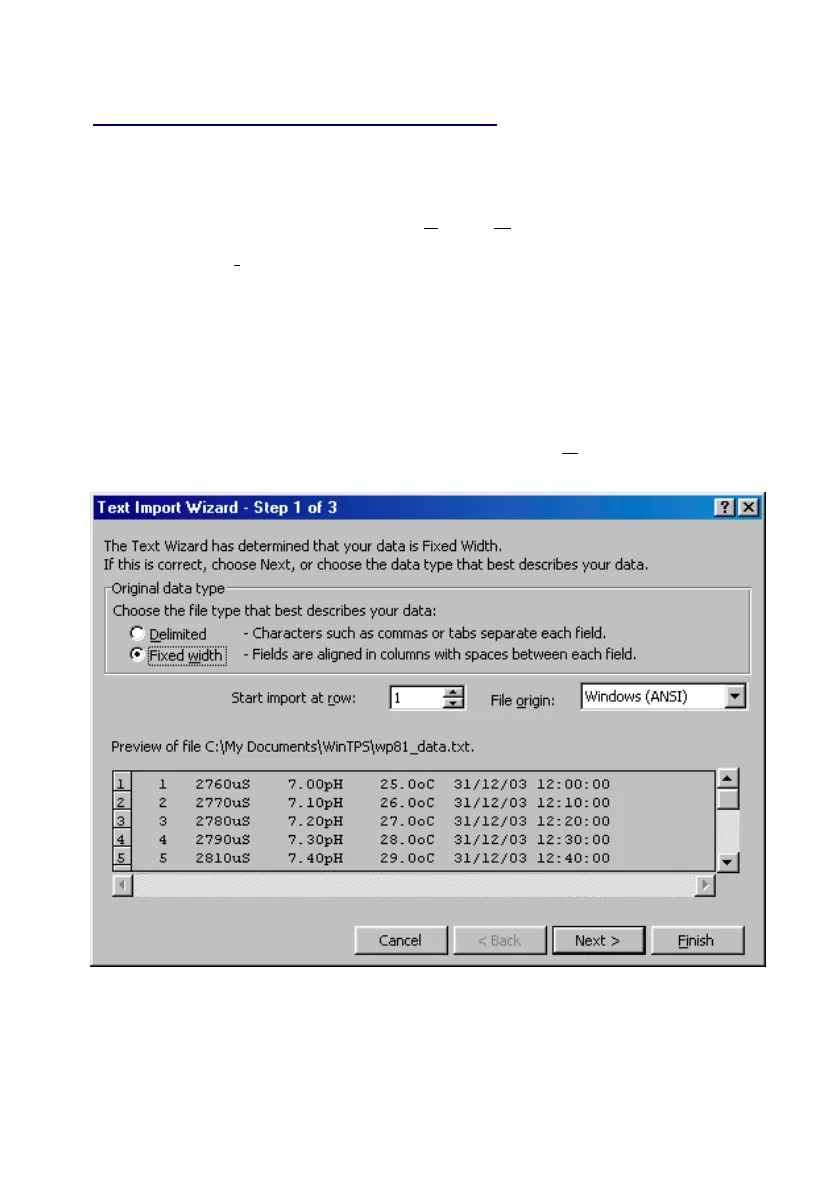
4. In step 1 of the Text Import Wizard select “Fixed width”, as per the
sample screen below, then press “Next >”.
Continued over the page…



 To Next Page