TracVision M9 User’s Guide
14
Chapter 2 - Operation
Using the Receiver Remote Control to Switch Between Satellites
Some TracVision M9 system configurations allow automatic satellite
switching. When automatic switching is enabled, the antenna switches
satellites automatically while you change channels using the receiver’s
remote control. You can also use the MCU to manually switch between
your selected satellites with a single button press.
Using the MCU to Switch Between Satellites
You can switch between satellites using the MCU by pressing a single
button. Follow the steps below to switch satellites.
NOTE: If you use the MCU to manually switch satellites, automatic satellite
switching is disabled until the system is restarted. For more information on
restarting the system, see “Restarting the Antenna” on page 30.
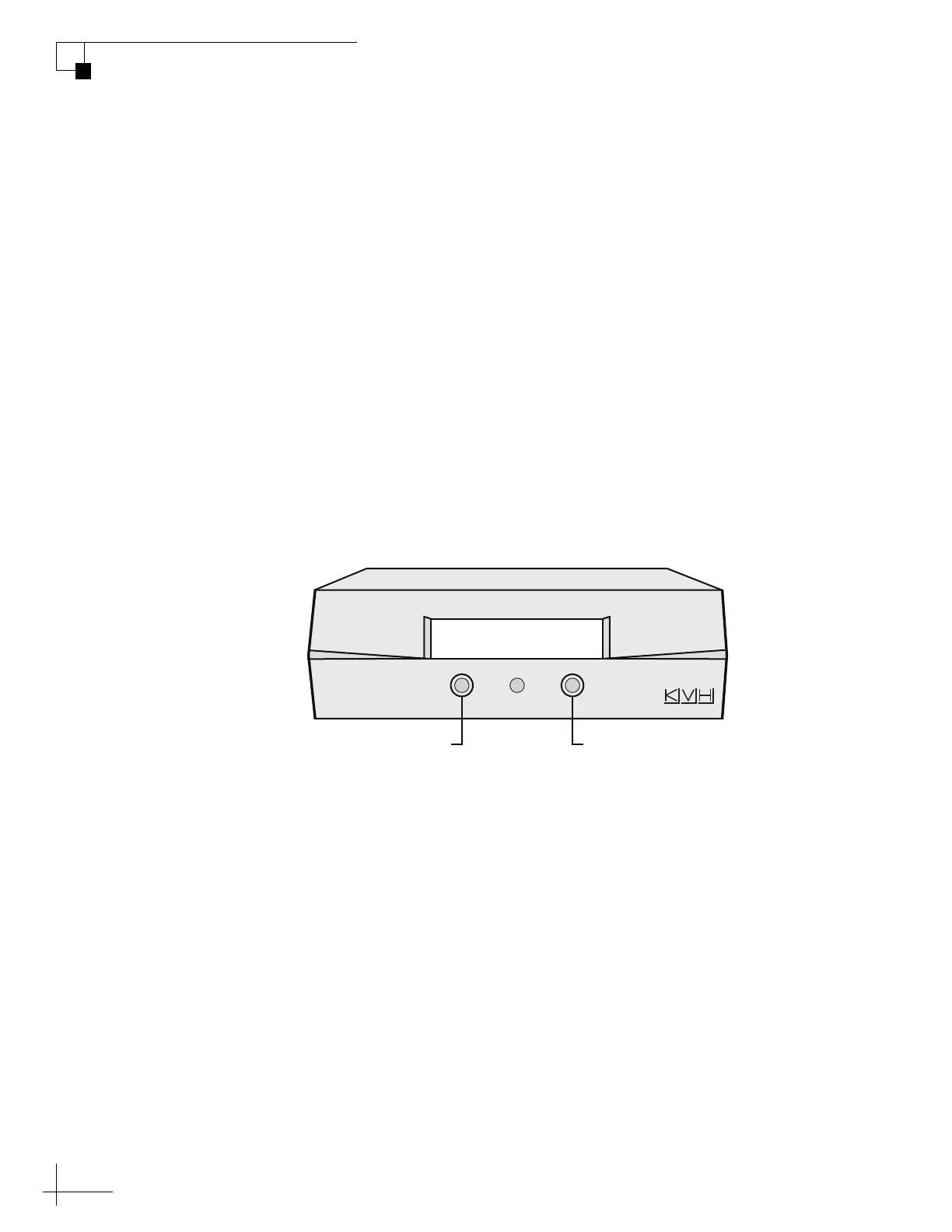
1. Ensure the Tracking Satellite screen is displayed.
Figure 2-4 Tracking Satellite Screen
2. Press the appropriate MCU button to switch satellites
(see Figure 2-4).
Tracking Satellite A
Sat B Menu Sat C
Press for
Satellite C
Press for
Satellite B



 To Next Page