TracVision M9 User’s Guide
76
Appendix D - Recalibration
Turn On Autocalibration
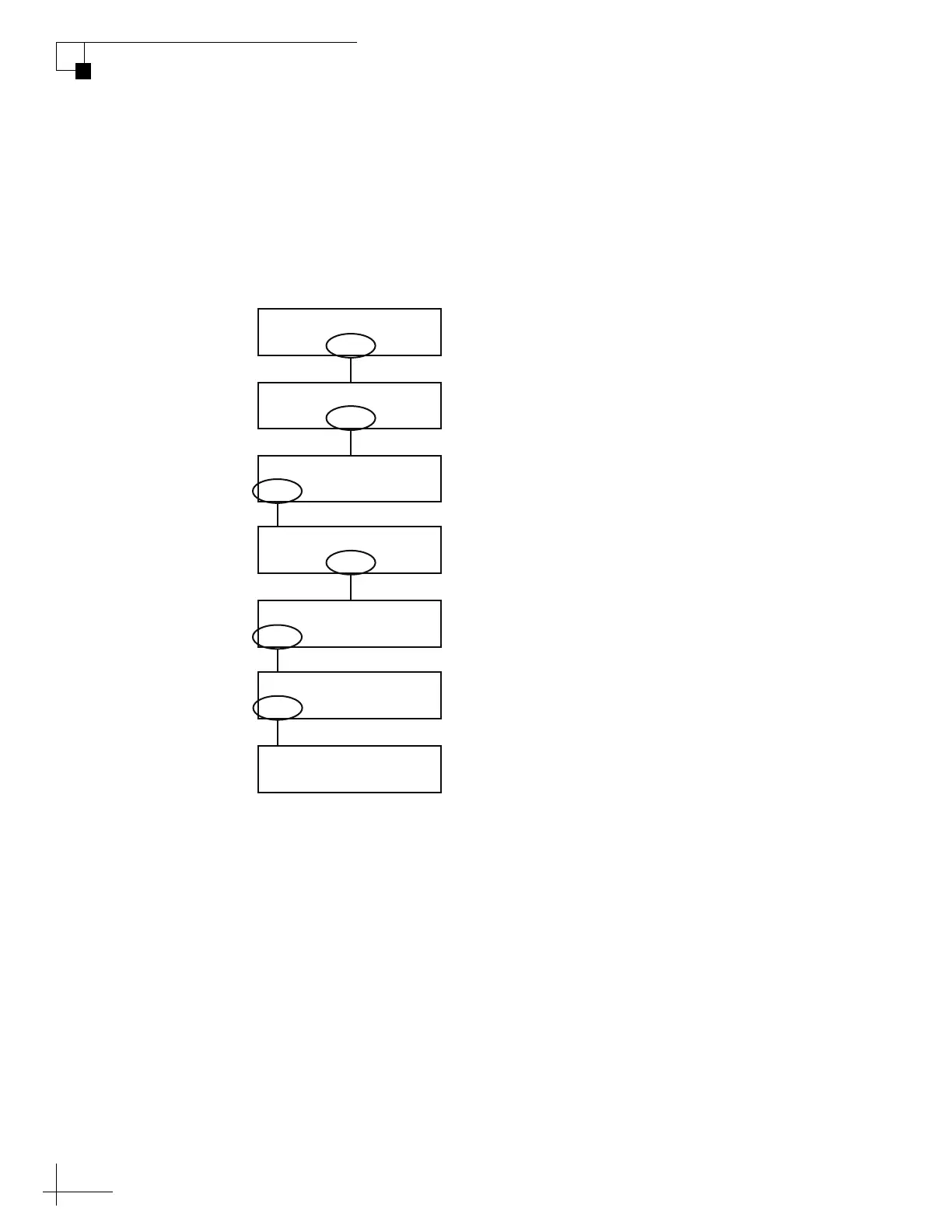
Use the flowchart in Figure D-2 to turn on autocalibration.
NOTE: Autocalibration automatically turns off after a valid calibration score
is received. For more information on interpreting the calibration score, see
“Interpreting the Calibration Score” on page 79.
Figure D-2 Turning On Autocalibration
Sat B Menu Sat C
Tracking Satellite A
Yes Next Return
Install Satellite?
Yes Next Return
Operations Mode?
Yes Next Return
Get Antenna Status?
Yes Next Return
Control Compass?
Yes Next Return
Set Autocal On/Off?
On Return Off
Autocal is: On
Select “Next” until
“Operations Mode?”
is displayed.
Select “On.”
Then select “Return.”
Select “Next” until
“Control Compass?”
is displayed.



 To Next Page