BAS-SVX10F-EN 27
Operation
Selecting Temporary Occupancy (Timed Override)
Temporary occupancy (timed override) is available on some sensors. Temporary occupancy can be
selected to adjust temperature, fan, or heat/cool settings after the system has changed to
unoccupied mode. System control will revert to unoccupied after a pre-determined time period.
Note: Not all systems
support the occupancy function.
Sensors with Occupied/Unoccupied buttons
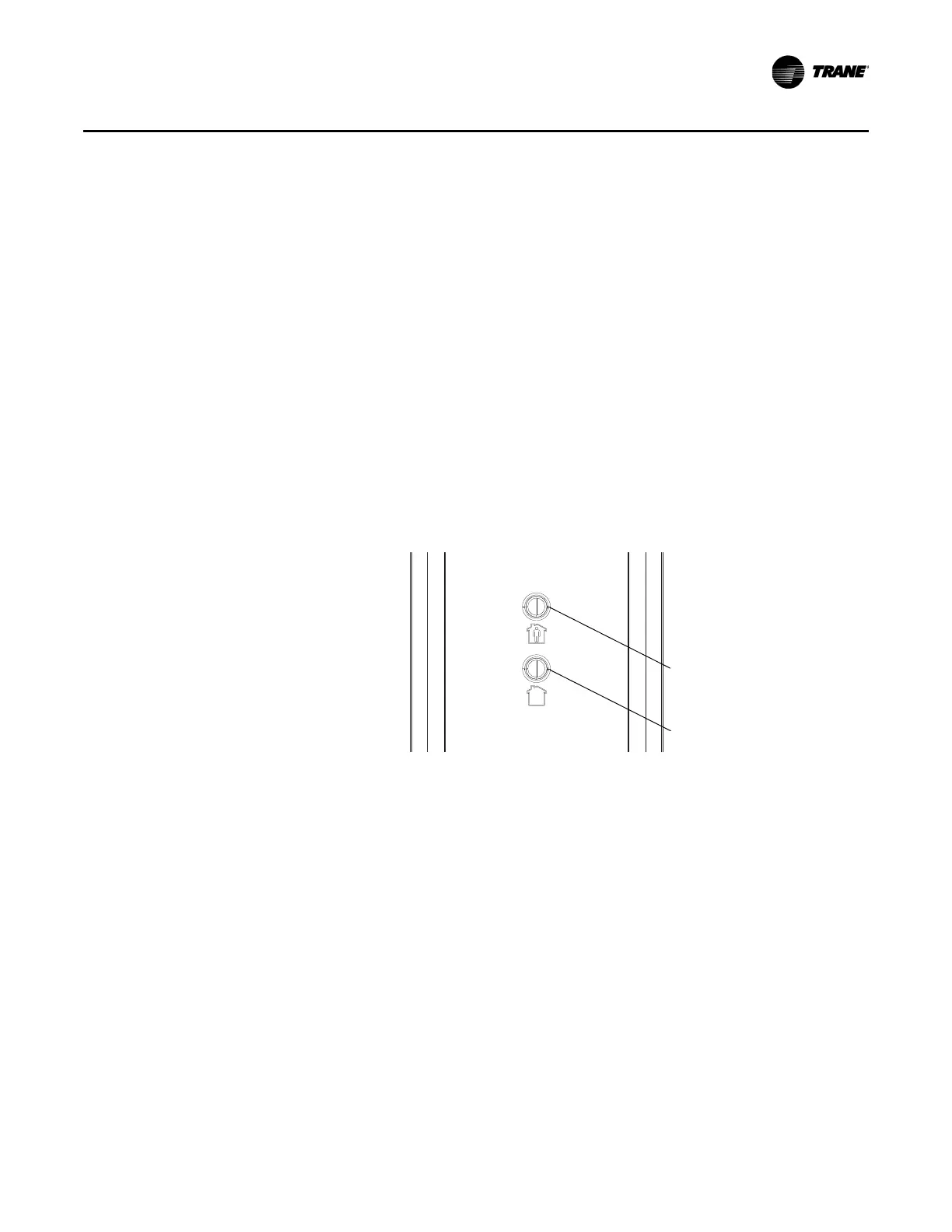
To select temporary occupancy, press the Occupied button (Figure 2) for 0.2–6 seconds. The
following occurs:
• Space temperature output is driven to 10 (nominal).
• The output generates for 4 seconds.
To cancel temporary occupancy, press the Unoccupied button (Figure 2) for 0.2–6 seconds. The
following occurs:
• Space temperature output is driven to 1330 (nominal).
• The output generates for 4 seconds.
Figure 2. Locations of Occupied button and Unoccupied buttons
Display Sensors
To select and cancel temporary occupancy, see “Requesting Temporary Occupancy,” p. 31.
Occupied button
Unoccupied button


 To Next Page