BAS-SVX10F-EN 23
Installation: All Models Other Than the Display Sensor
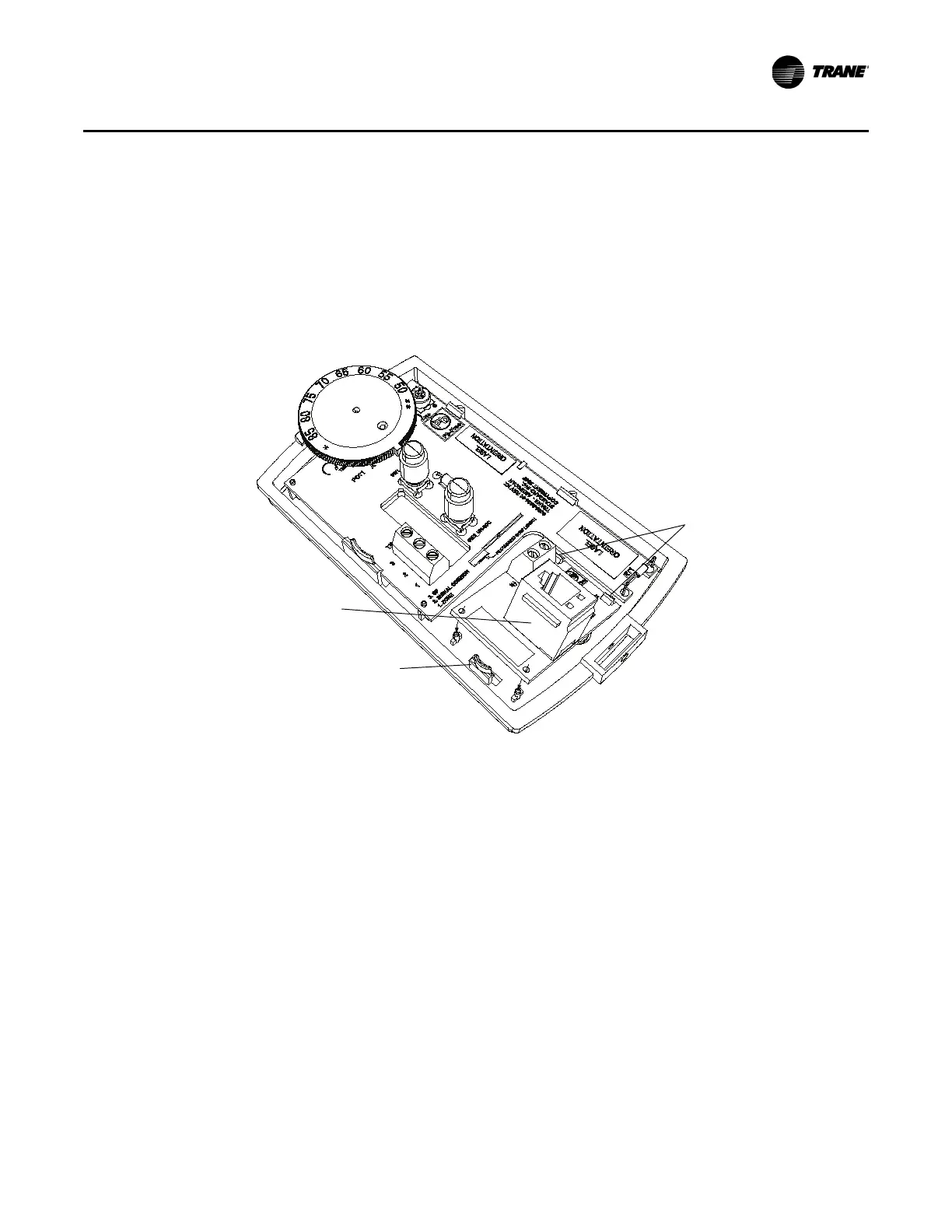
Installing the COMM Module (optional)
An optional COMM module is available that provides a local RJ22 connection to a Trane service tool
for maintenance use. It must be ordered separately.
Install the COMM module before wiring the sensor:
1. Slide the two cutouts on the right s
ide of the COMM module into the two keys on the back plate.
2. Press firmly on the left side o
f the COMM module board until it snaps into place.
Thumb catch
COMM module
Catches


 To Next Page