34
ARTC-SVX013A-EN
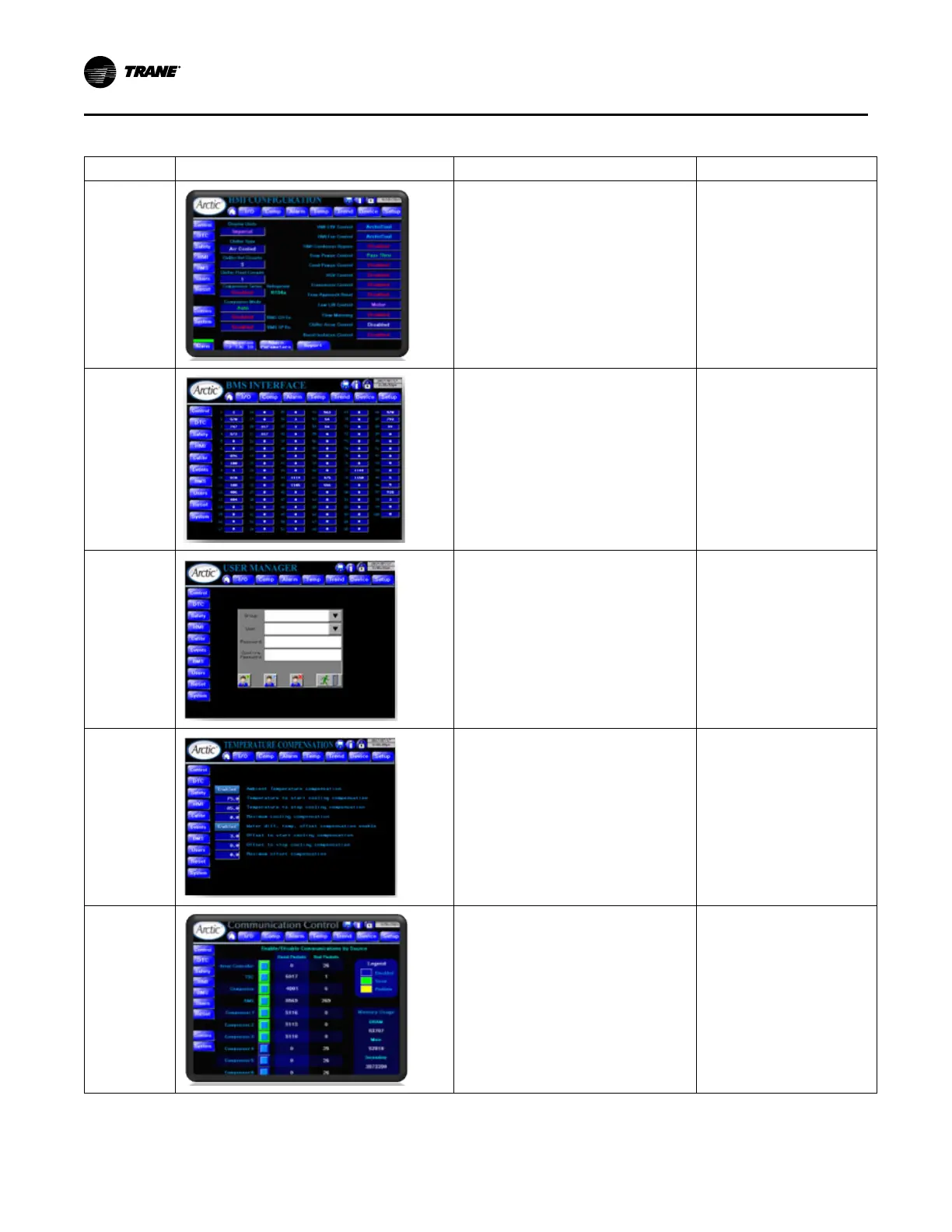
Table 10. HMI settings menu screens (continued)
Screen User Interface Function Access
HMI
Configuration
Enable/Disable or select Special and Optional
Functionalities. Details for each function are
described in the sections Special Functions
and Optional Functionalities.
Main Menu > Settings Menu >
HMI
Admin access only.
BMS Interface
Display output Building Management System.
Note: This page validates the communication
between Chiller and the Trane
Technologies BMS gateway
(FieldServer).
Main Menu > Settings Menu >
BMS
User Manager
Provides an interface to the security system for
the management of users and passwords.
Main Menu > Settings Menu >
Users
Temperature
Compensation
Display and configure setpoint compensation.
Main Menu > Settings Menu >
Reset
Communication
Control
• Turn off communications to unused
system components.
• Monitor communication statistics.
Main Menu > Settings > Comms
Operating Procedures


 To Next Page