18
SPECIFICATIONS
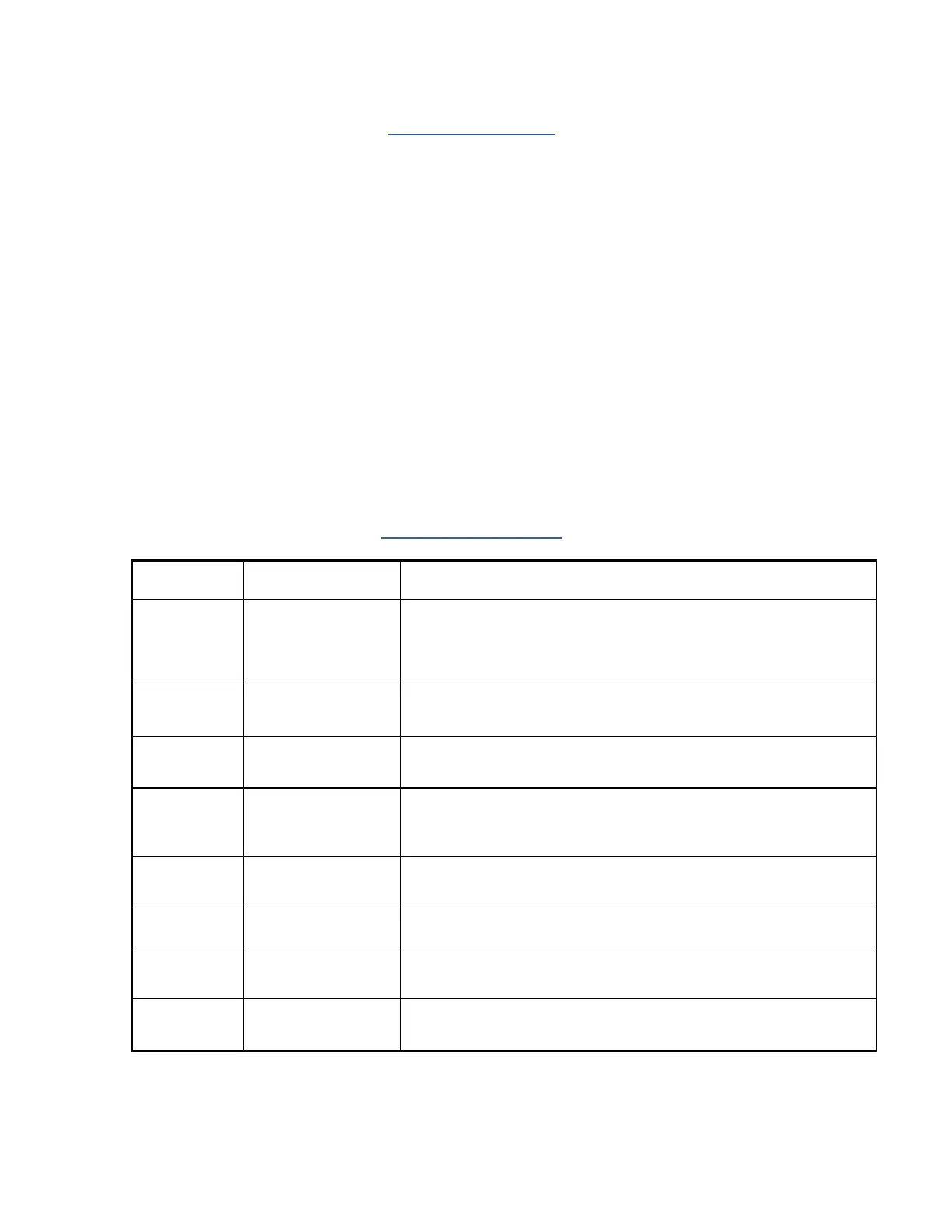
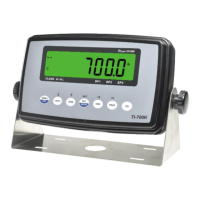
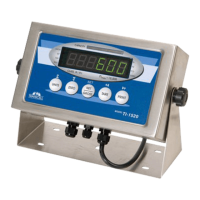
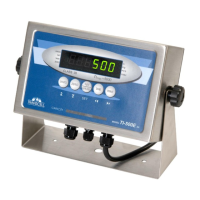
Indicator Specifications
Enclosure: ABS enclosure (IP54)
Display: 0.56" (14 mm) 7-segment, LED, 6 Digit
A-to-D converter: AD-01
Resolution: Approximately 200,000 counts @ 3mV/V input
Sampling Rate: 10 Hz
Excitation Voltage: +5 VDC, 4 x 350Ω load cells
Input Signal Range: ±3.125 mV/V
Serial Port: Full Duplex RS-232C
Operating Temperature: 14°F to 104°F (-10°C to 40°C)
Power
- 9 Vdc wall adaptor
- DC Power Consumption: 200mA + 15mA/350
Load Cell
- Internal Fuse: 1A 250V SLOW BLOW
ERROR MESSAGES
MEANING / POSSIBLE SOLUTION
Gross Overload. A load greater than the rated capacity has been applied
to the scale. Remove the load from the platter. Or try re-calibrating the
scale. Otherwise, check for a bad load cell connection or load cell dam-
age due to overloading.
Span Calibration
Mode (F17)
Keyed-in weight value is larger than full-scale capacity. Use a smaller test
weight or check keyed-in value.
Span Calibration
Mode (F17)
Keyed-in weight value is less than 1% of full-scale capacity. Use a larger
test weight or check keyed-in value.
Span Calibration
Mode (F17)
There is not enough signal from the load cell to produce the internal
counts necessary to properly calibrate the scale. First check all load con-
nections. Use F16 mode to view internal counts.
Non-volatile memory read error. One or more setup parameters have
been lost.
Non-volatile memory write error. Indicator needs service.
Key-in Span Calibra-
tion Mode (F20)
You have attempted to enter a zero value for C1. Enter a known calibra-
tion value greater than zero.
Span calibration value has been lost. Re-calibrate the scale.


 To Next Page