5
INSTALLATION & OVERVIEW
Remember that the installer is ultimately responsible to assure that a particular
installation will be and remain safe and operable under the specific conditions
encountered.
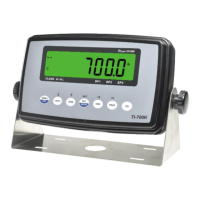
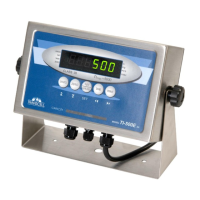
The indicator must be properly configured and calibrated prior to use.
Installation
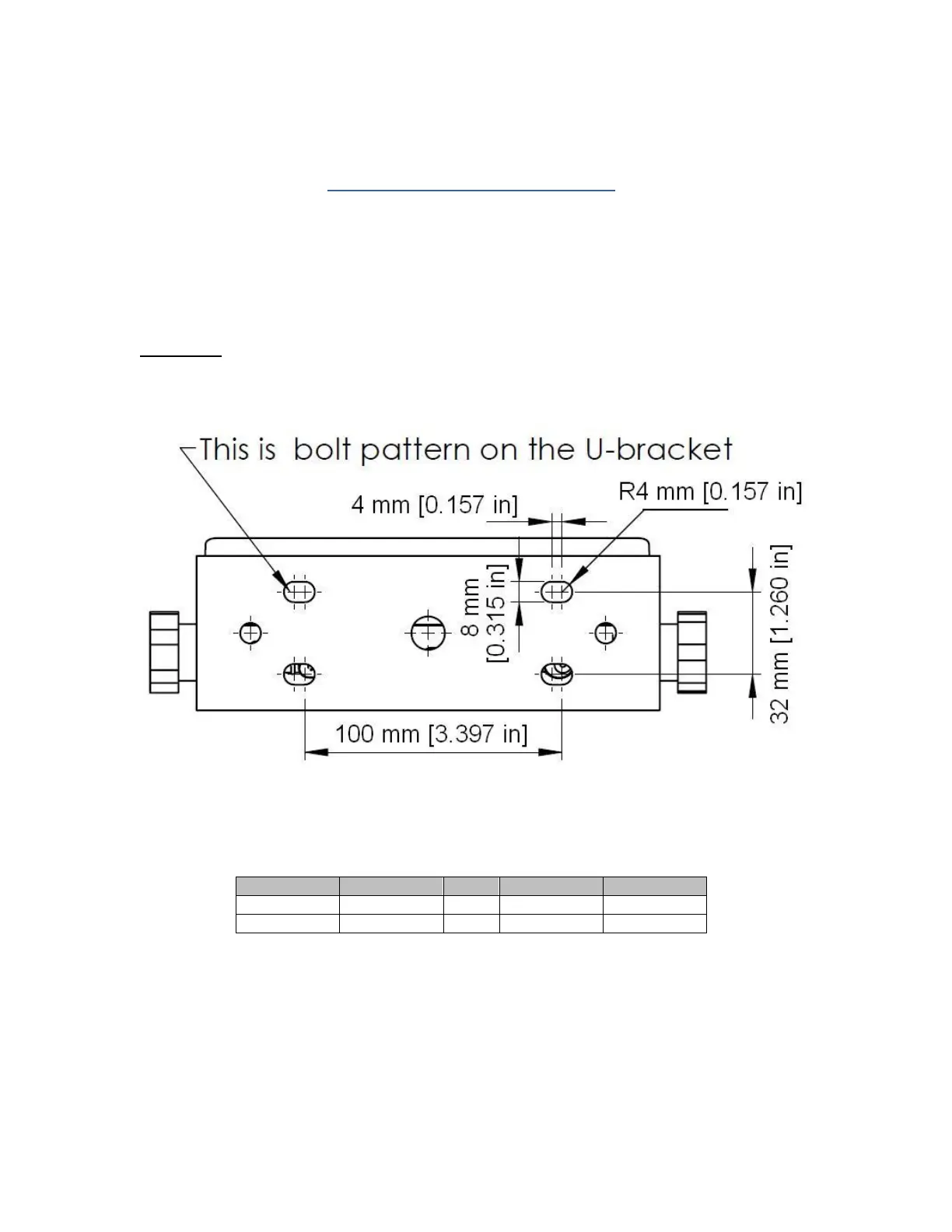
Find a suitable location for the indicator and use the included bracket to mount the unit to a wall
or table. Use this handy guide for mounting the bracket to a wall or table:
The indicator ships with a homerun cable which plugs into the appropriate connector. Use the
following color codes to connect the load cell or junction box.
Load cell / junction box Cable Leads



 To Next Page