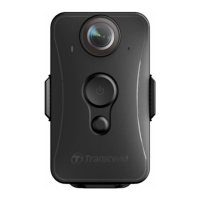
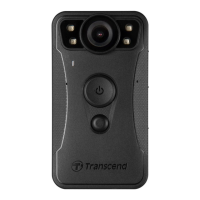
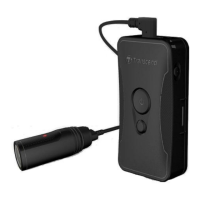
18
System
Time Sync: Sync the DrivePro Body time with your smart device.
Firmware Version: Tap to upgrade the firmware to the latest version.
DrivePro Body
Device: Select your camera model.
Database Renewal: Check for available database to download.
About: Display the App version, End-User License Agreement, and Open Source
Statement.
WARNING: NEVER remove the power cord while the firmware is being upgraded.
1. The DrivePro Body will shut down and the status indicator will flash green while the
firmware is being upgraded. After the upgrade is complete, the DrivePro Body will
restart automatically.
2. If the DrivePro Body cannot be turned on due to firmware upgrade failure, please
contact Transcend customer service for technical support.
7. Using the DrivePro Body Toolbox Software
DrivePro Body Toolbox is a video file management software which simplifies the settings of the
camera. The software features a user-friendly interface that allows Windows users to set the basic
functions of the DrivePro Body camera.
To use the DrivePro Body Toolbox:
1. Download the installation files from: www.transcend-info.com/downloads
2. Install DrivePro Body Toolbox software on your desktop or laptop.


 To Next Page
 Loading...