12
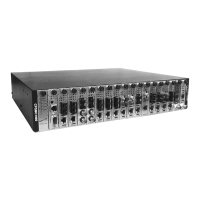
CPSMC19xx-100 PointSystem
™
Chassis
slide-in-modules
2.2.3 Replacing the Management Modules
CAUTION: Wear a grounding device and observe electrostatic discharge precau-
tions when replacing the media converter slide-in-module(s). Failure to observe
this caution could result in damage to, and subsequent failure of, the management
module(s).
NOTE: The management modules can be replaced while the chassis remains pow-
ered. However, you must configure a new IP address for the replacement manage-
ment module. For more information, see the FocalPoint™ 2.0 user’s guide on the
enclosed application CD or on-line at www.transition.com.
To replace a management module in the CPSMC19xx-100 chassis:
1. Remove the management module to be replaced by loosening the panel fasten-
er screw that secures the module to the chassis front. Slide the module from
the chassis.
2. Align the replacement Management module with the installation slot so that the
panel fastener screw is at the top.
3. Carefully slide the replacement management module into the installation slot,
while aligning the module’s circuit board with the installation guides.
NOTE: Ensure that the management module is firmly seated inside the chassis.
4. Push in and rotate the attached panel fastener screw clockwise to secure the
module to the chassis.
24-hour Technical Support: 1-800-260-1312 -- International: 00-1-952-941-7600


 To Next Page
 Loading...