15
power supply
24-hour Technical Support: 1-800-260-1312 -- International: 00-1-952-941-7600
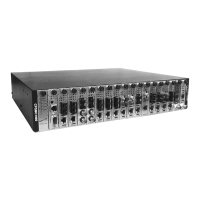
CPSMC19xx-100 PointSystem™ Chassis
Powering the AC Power Supply Module
To power the CPSMC1900-100 PointSystem™ chassis through the AC power sup-
ply module:
1. Set the On/Off switch to “0”.
2. Connect female end of the power cord to the AC power connector on the power
supply module.
3. Plug the male end of the power cord into the correct voltage AC rack or wall
socket.
4. Set the On/Off switch to “I”.
5. Verify that the chassis is powered by observing the illuminated power LED and
fan operation.


 To Next Page
 Loading...