scissors.
4. Attach the bracket to
the handlebar, on the right-
hand side of the stem. Position
the bracket end with the
Phillips head screw nearest
the rider (Fig. 20).
Your computer comes with a bar clamp which ts both 25.4
and 26.0mm diameter (mountain or road) handlebars. If your
handlebar has a 31.8mm diameter, purchase the special clamp
from your dealer.
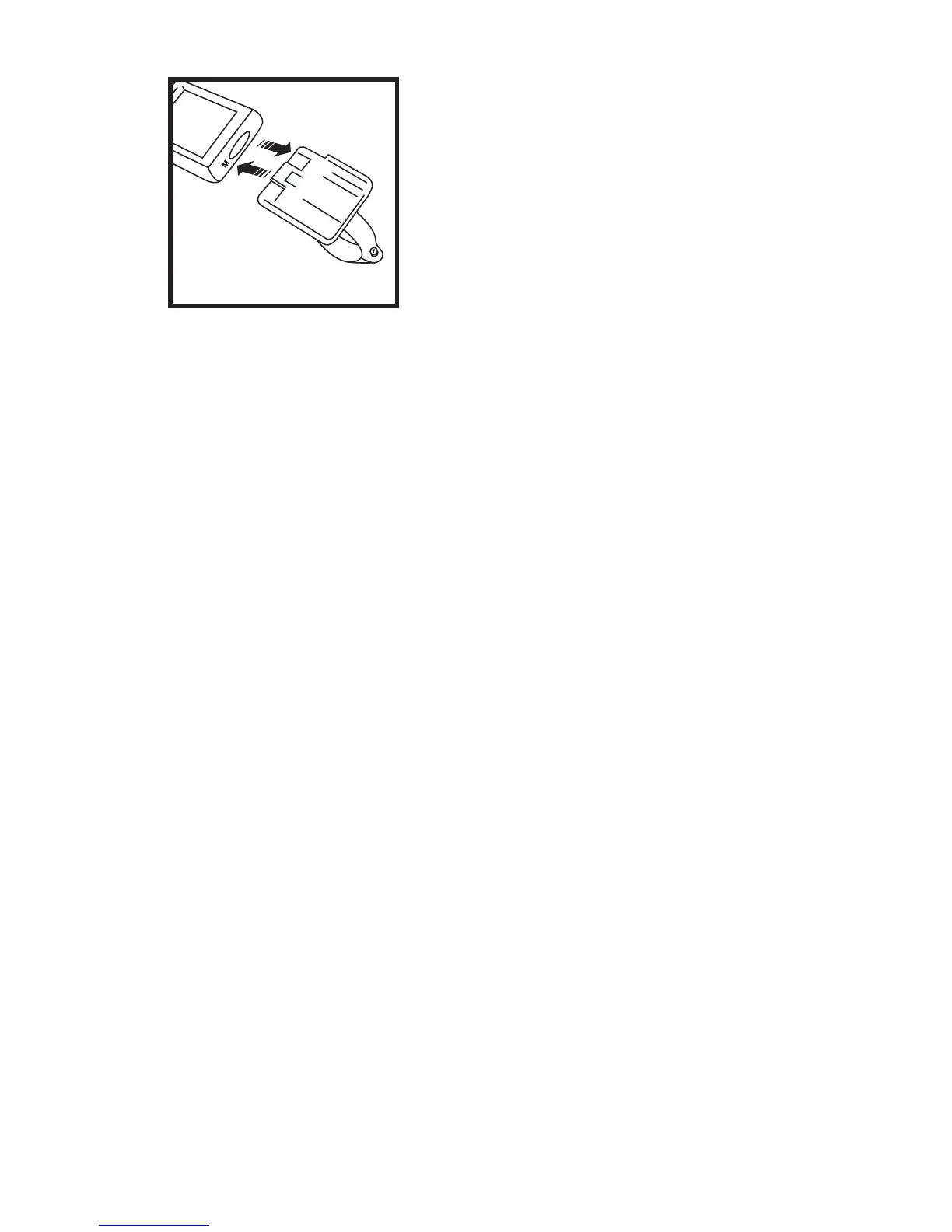
Attach the Computer to the Handlebar Bracket
From in front of the handlebars, slide the
computer back onto the bracket until it snaps
rmly into position.
5. To remove the computer from the bracket
push the computer away from you with your thumb,
with your index nger against the back of the
Fig. 20



 To Next Page