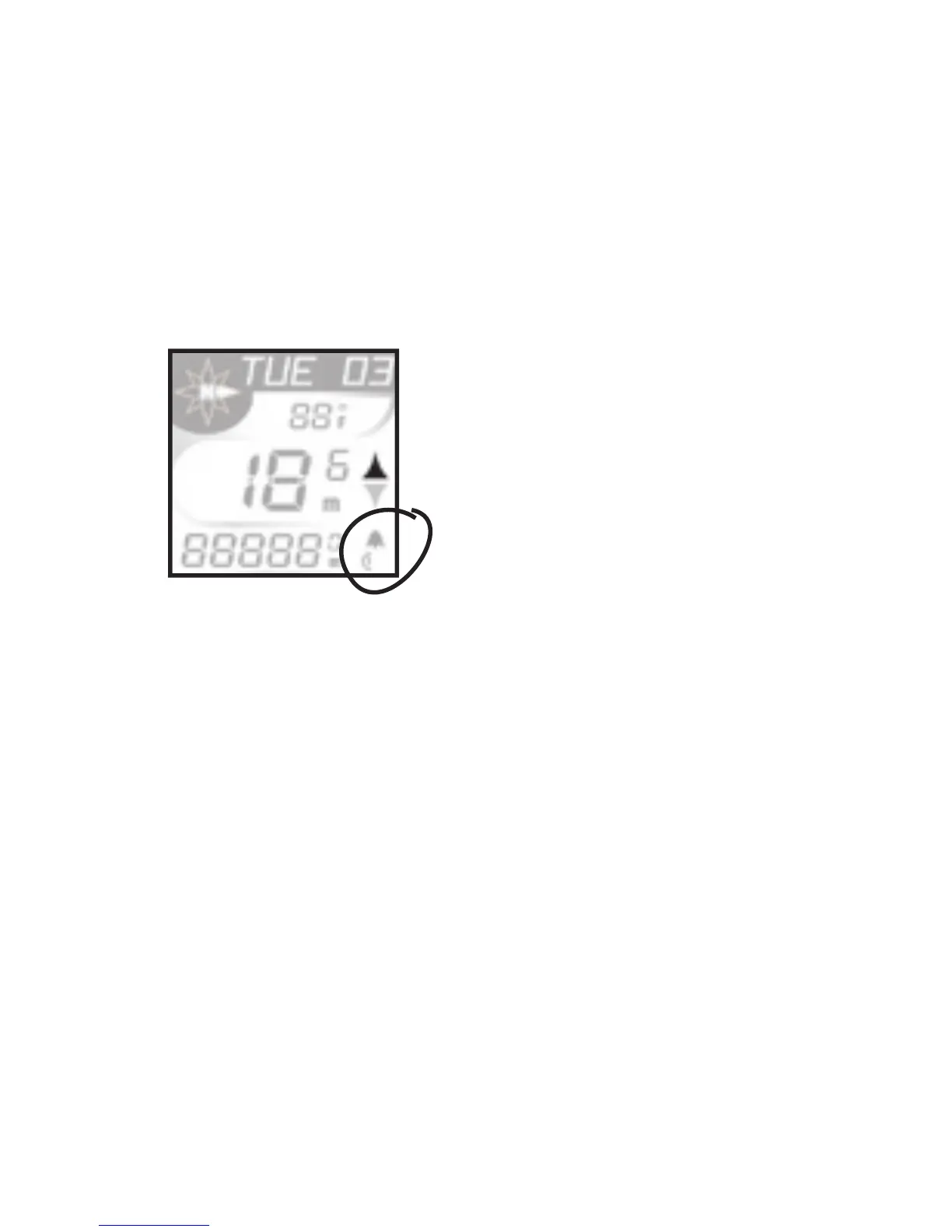
Dual wheel Size selection and set up.
In any mode (day/date, time, compass, ride time)
press and hold Mode and Set for 2 seconds.
The computer will toggle between Wheel size 1
and Wheel size 2 in the lower right corner of the
screen (Fig 20a). Lock in choice by releasing Mode
and Set button when desired
wheel is on screen.
Set-up-wheel size for second wheel follow steps 1 –3
1. Press <Set> until the RIDE TM
screen appears on the upper line of
the display.
2. Hold <Set> until SET WHL is displayed.
3. Press <Mode> to scroll to a
different setting. Press <Set> to select your
preferred wheel size.
After selection is made with <Set>, DONE displays, then the
computer returns to normal operation.
Fig. 20a



 To Next Page