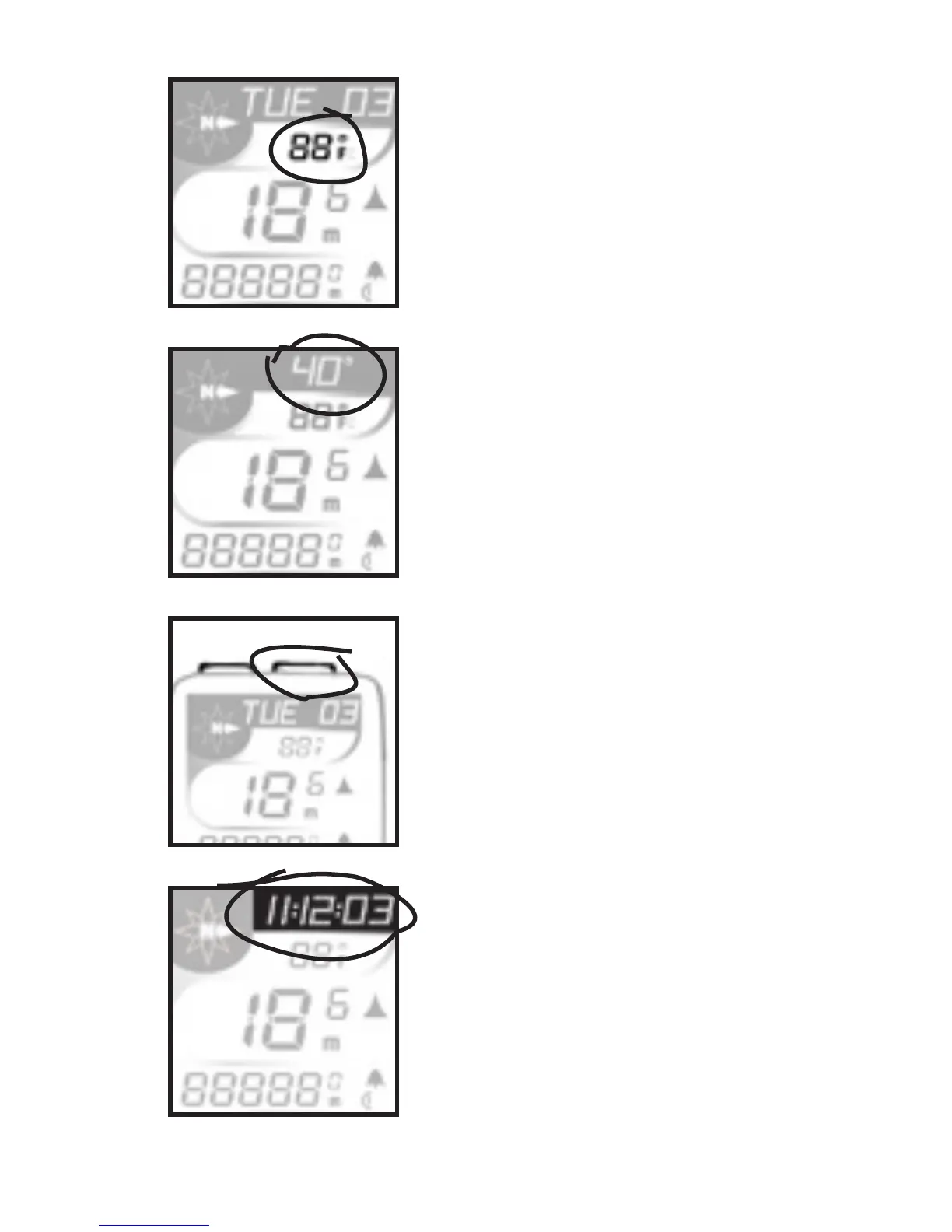
temperature, displayed in
Fahrenheit or Celsius to cor-
respond to user’s selection of
miles or kilometers.
Wind chill (Fig. 4). Calcu-
lates temperature with speed.
Starts at 50°F with ten degree
increments to -20°F.
Upper Display (scroll with Set
button)
SET button (Fig. 5). Used
to scroll through features on
upper screen lines. Also used
in Reset of computer, referred
to as <SET>.
RIDE TM - Ride Time (Fig.
6) 99:59:59 maximum hours.
Time since Start or ReSet,
displayed in MM:SS for rst
hour (SS ashes), then HH:MM.
Begins counting automatically
when computer receives signal
Fig. 3
Fig. 6
Fig. 5
Fig. 4



 To Next Page