11
PC NETWORK TCP/IP SETTINGS
The network TCP/IP settings differ based on the computer’s operating system
(Win95/98/ME/NT/2000/XP/Vista) and are as follows.
Windows 95/98/ME
1. Click on the “Network neighborhood” icon found on the desktop.
2. Click the right mouse button and a context menu will be show.
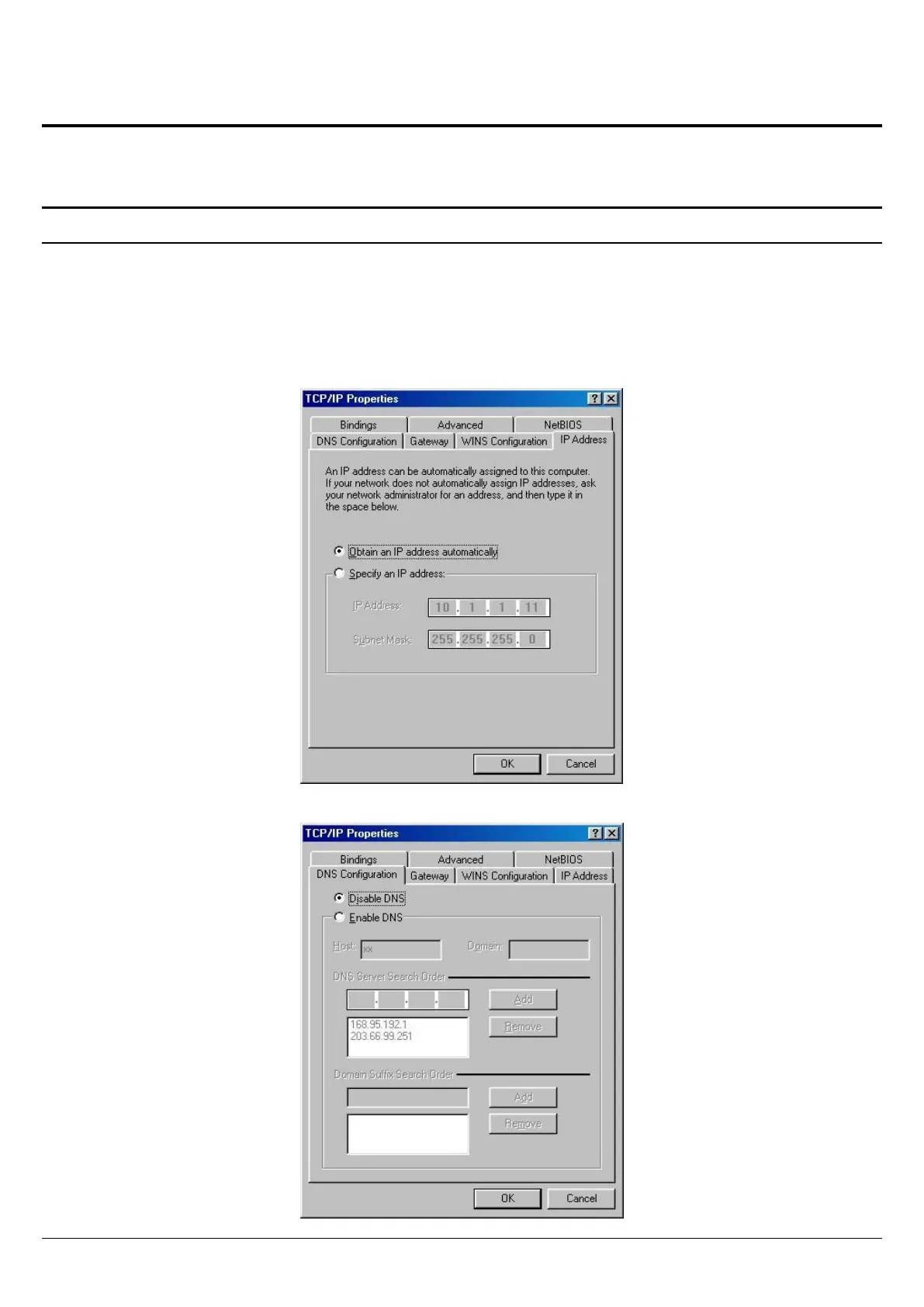
3. Select “Properties” to enter the TCP/IP setting screen.
4. Select “Obtain an IP address automatically” on the “IP address” field.
5. Select “Disable DNS” in the “DNS” field.















 To Next Page