EasyManua.ls Logo

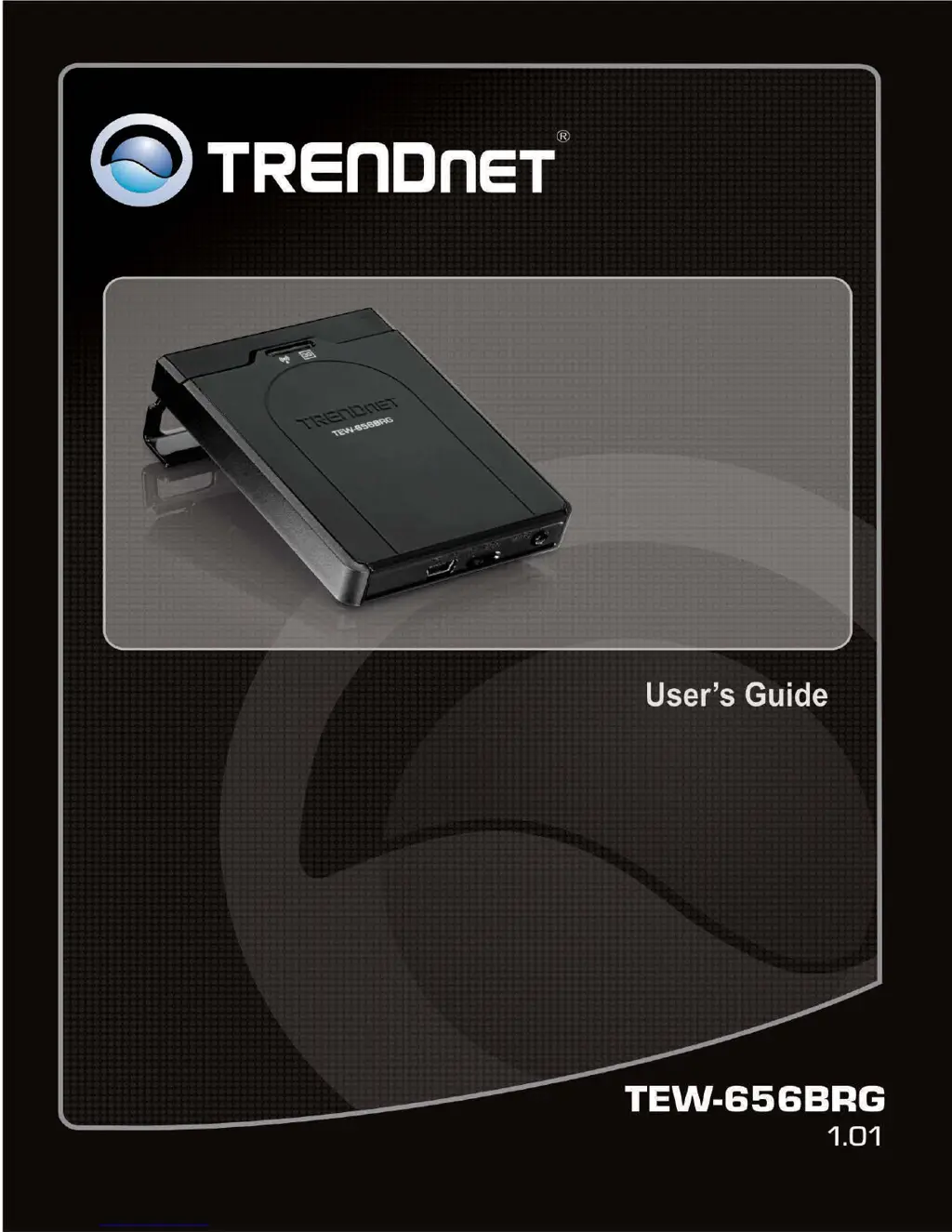
TRENDnet TEW-656BRG - User Manual

TRENDnet TEW-656BRG
44 pages
Print Icon
To Next Page IconTo Next Page
Loading...
1

Other manuals for TRENDnet TEW-656BRG

Questions and Answers

Summary

Introduction

Getting Started

Installation

Step-by-step guide to connect the 3G USB adapter, power adapter, and the router for initial setup.

Configure with the Setup Wizard

Guides users through the router's initial configuration using the web-based setup wizard.

Basic Setting

Network Setup

Configures LAN IP, subnet mask, and 3G WAN interface settings, including APN and connection control.

DHCP Server

Manages IP address allocation for network clients, including IP pool, lease time, DNS, and WINS servers.

Wireless Settings

Configures wireless network parameters like SSID, broadcast, channel, mode, authentication, and encryption.

Forwarding Rules

Security Setting

Packet Filters

Controls network access by analyzing and filtering incoming/outgoing packets based on IP addresses and ports.

Advanced Setting

Tool Box

Reset to Default

Resets all device settings to their factory default values.

Troubleshooting

Why cant I configure the router?

Solves configuration issues, including ping tests and checking network adapter drivers.

Problems with 3 G connection?

Addresses issues with 3G auto-detection, country/ISP lists, and dongle recognition.

Something wrong with the wireless connection?

Helps resolve wireless connection setup problems, dropping connections, and access issues.

How to reset to default?

Explains the procedure to reset the router to its factory default settings.

Summary

Introduction

Getting Started

Installation

Step-by-step guide to connect the 3G USB adapter, power adapter, and the router for initial setup.

Configure with the Setup Wizard

Guides users through the router's initial configuration using the web-based setup wizard.

Basic Setting

Network Setup

Configures LAN IP, subnet mask, and 3G WAN interface settings, including APN and connection control.

DHCP Server

Manages IP address allocation for network clients, including IP pool, lease time, DNS, and WINS servers.

Wireless Settings

Configures wireless network parameters like SSID, broadcast, channel, mode, authentication, and encryption.

Forwarding Rules

Security Setting

Packet Filters

Controls network access by analyzing and filtering incoming/outgoing packets based on IP addresses and ports.

Advanced Setting

Tool Box

Reset to Default

Resets all device settings to their factory default values.

Troubleshooting

Why cant I configure the router?

Solves configuration issues, including ping tests and checking network adapter drivers.

Problems with 3 G connection?

Addresses issues with 3G auto-detection, country/ISP lists, and dongle recognition.

Something wrong with the wireless connection?

Helps resolve wireless connection setup problems, dropping connections, and access issues.

How to reset to default?

Explains the procedure to reset the router to its factory default settings.

TRENDnet TEW-656BRG Specifications

General IconGeneral
BrandTRENDnet
ModelTEW-656BRG
CategoryWireless Router
LanguageEnglish

Related product manuals