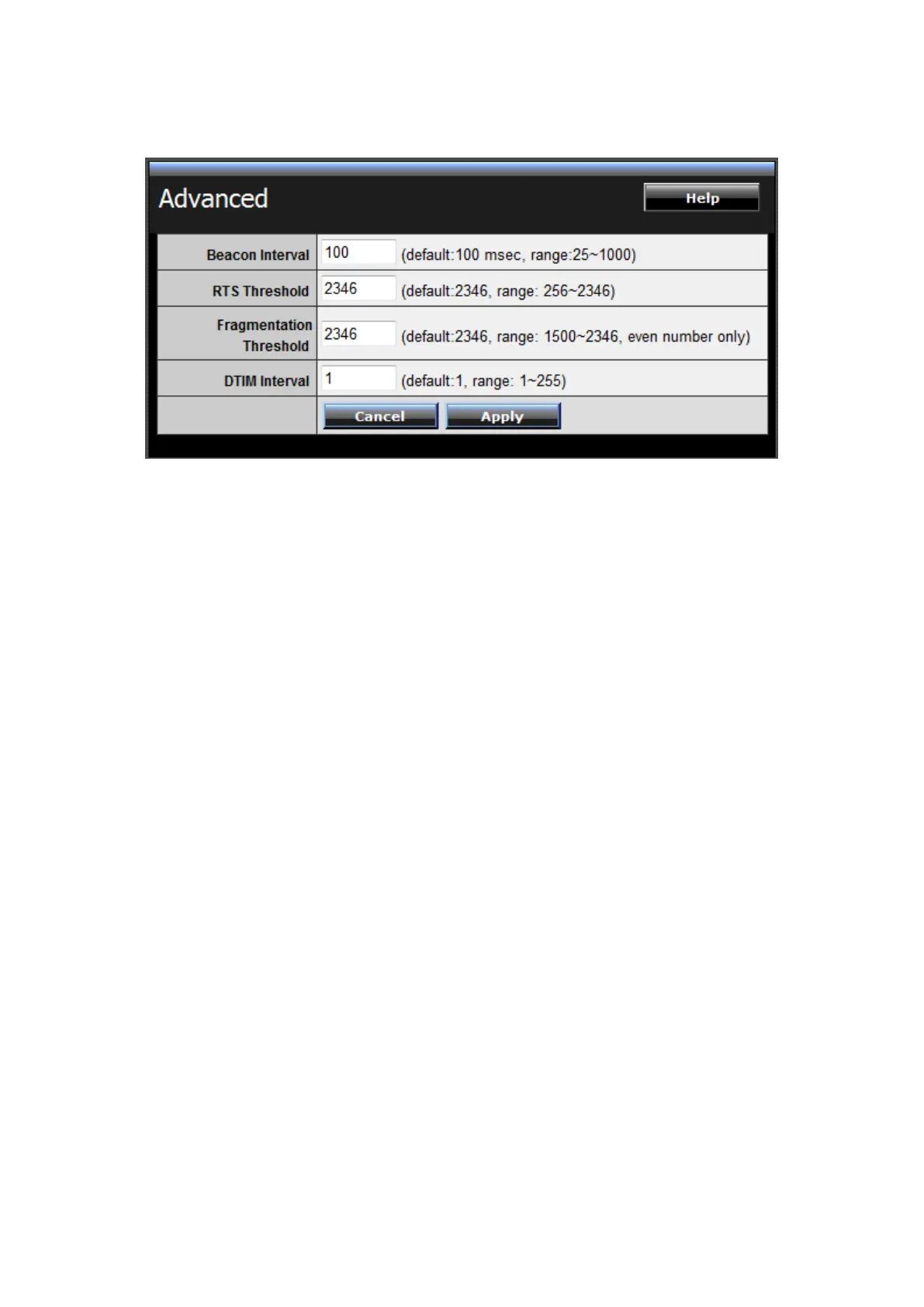
Advanced
This screen enables users to configure advanced wireless functions.
Beacon Interval: Type the beacon interval in the text box. User can specify a value
from 25 to 1000. The default beacon interval is 100.
RTS Threshold: Type the RTS (Request-To-Send) threshold in the text box. This
value stabilizes data flow. If data flow is irregular, choose values between 256 and
2346 until data flow is normalized.
Fragmentation Threshold: Type the fragmentation threshold in the text box. If
packet transfer error rates are high, choose values between 1500 and 2346 until
packet transfer rates are minimized. (NOTE: set this fragmentation threshold value
may diminish system performance.)
DTIM Interval: Type a DTIM (Delivery Traffic Indication Message) interval in the
text box. User can specify















 To Next Page