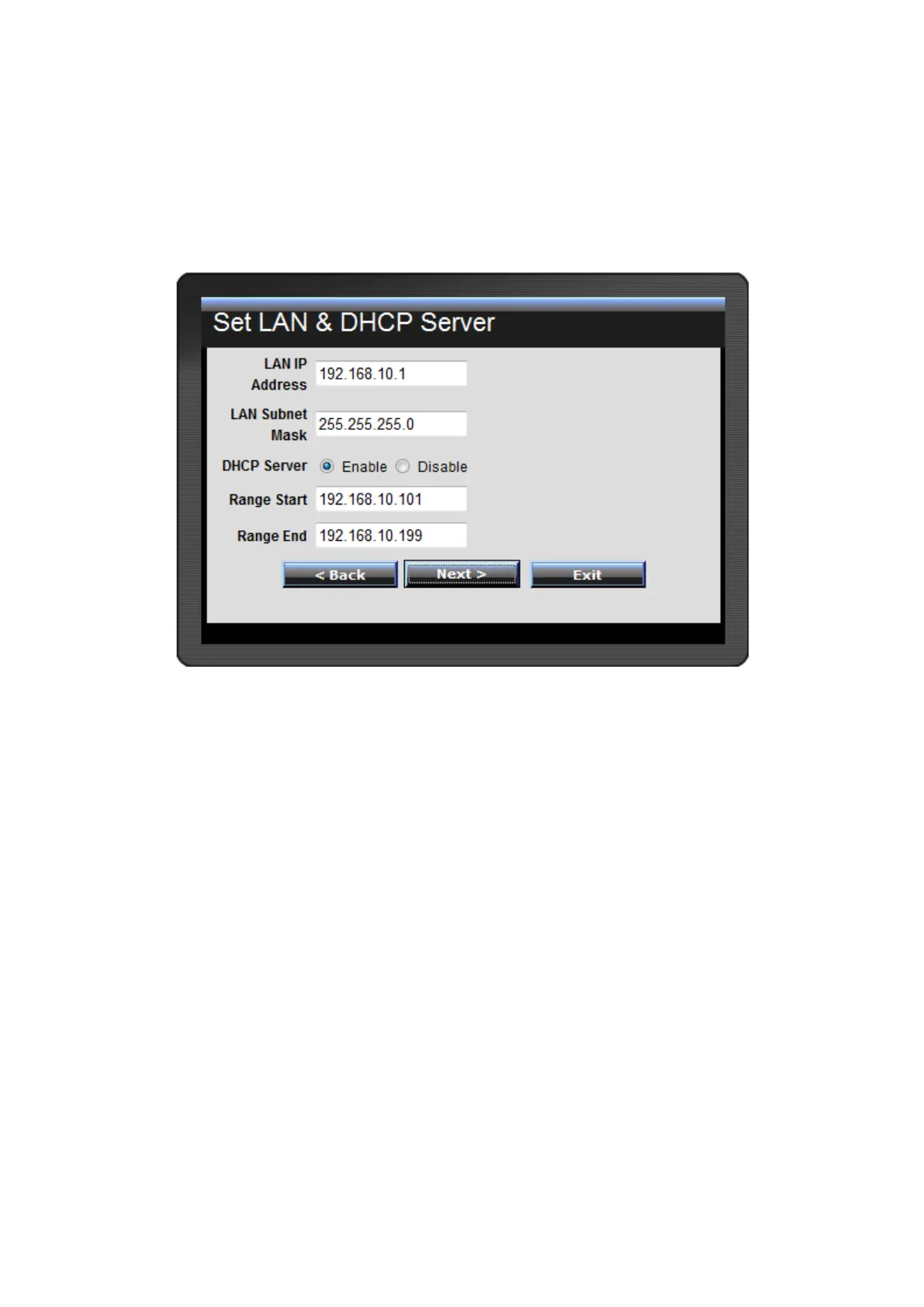
Step 3: Set LAN connection and DHCP server
Set user’s IP address and mask. The default IP is 192.168.10.1. If the user chooses
to enable DHCP, please click “Enable”. DHCP enabled is able to automatically
assign IP addresses. Please assign the range of IP addresses in the fields of “Range
start” and “Range end”. Please click “Next” to continue.















 To Next Page