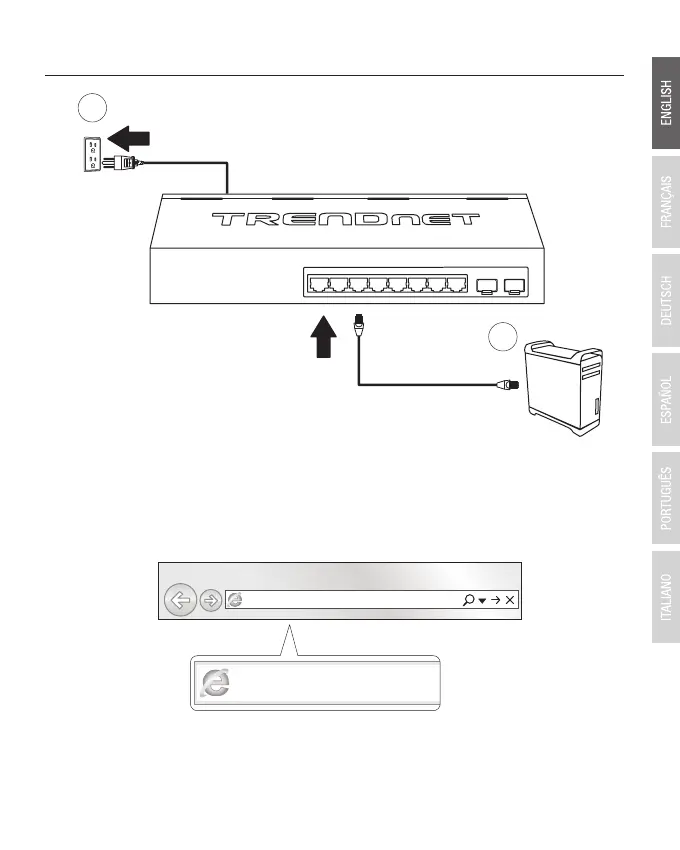
2. Hardware Installation and Configuration
3. Assign a Static IP address to your computer's network adapter in the subnet of 192.168.10.x
(e.g. 192.168.10.25) and a subnet mask of 255.255.255.0.
4. Open your web browser, type the IP address of the switch in the address bar, and then press
Enter. The default IP address is 192.168.10.200.
2
1
2
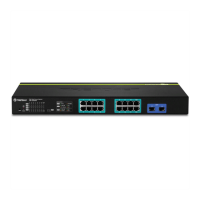
TPE-082WS







 To Next Page