5
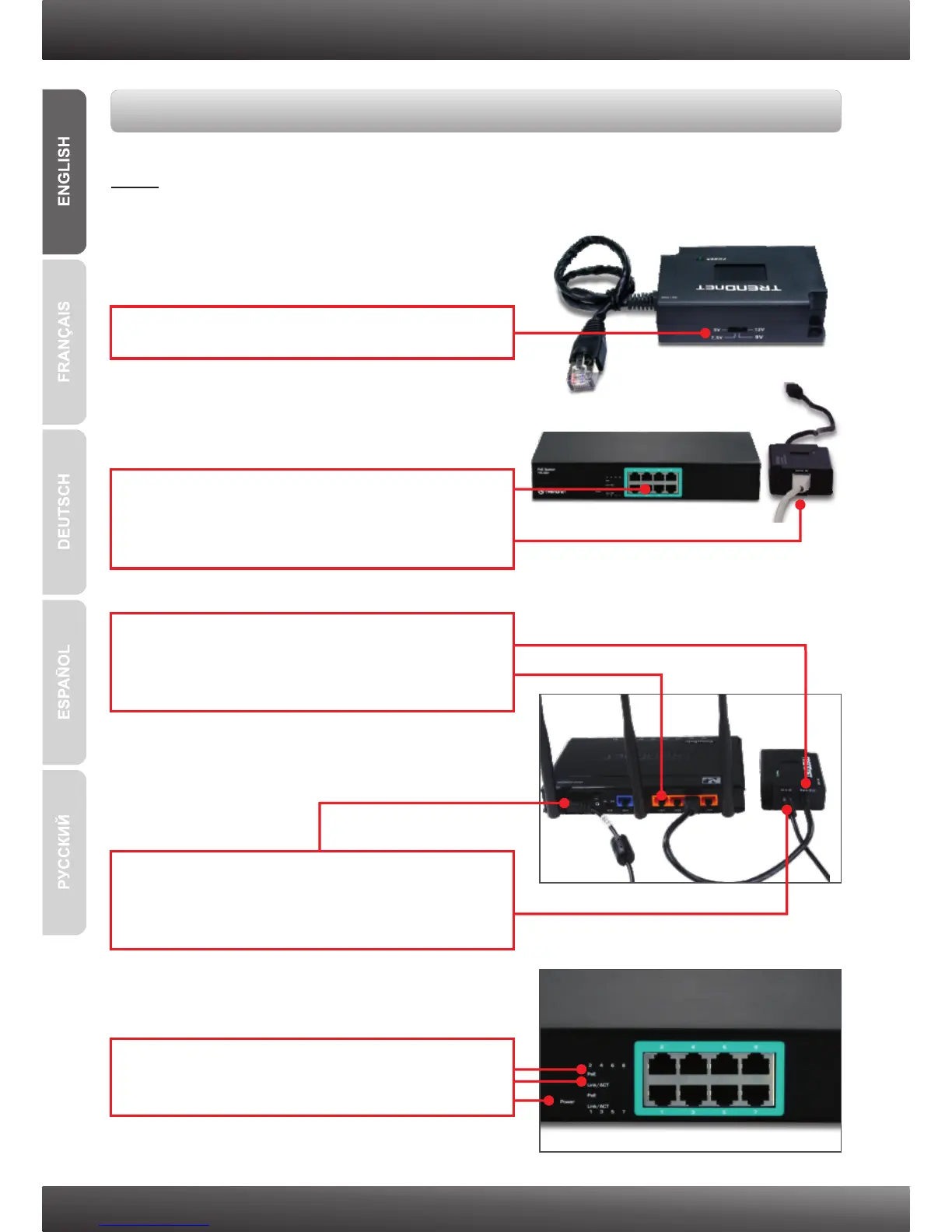
Note: Take note of the output power for your non-PoE device. The TPE-112GS only
supports non-PoE devices with an out put power of 5V, 7.5V, 9V or 12V.
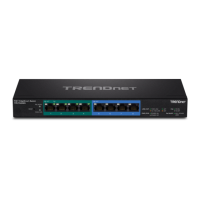
Using a non-PoE device with the TPE-S80 and the TPE-112GS PoE Splitter
1. Select the proper voltage (5V, 7.5V, 9V or 12V).
2. Connect an Ethernet cable from a PoE port
on the TPE-S80 switch to the PoE IN port on
the TPE-112GS.
4. Connect the provided Jumper cable to the
non-PoE device (e.g. TEW-639GR) and to the
TPE-112GS.
3. Connect the built-in Ethernet cable (Data Out)
on the TPE-112GS to the non-PoE device's
LAN port (e.g. TEW-639GR).
5. Verify that the following panel lights are on:
Power, PoE and Link/ACT.






 To Next Page