6
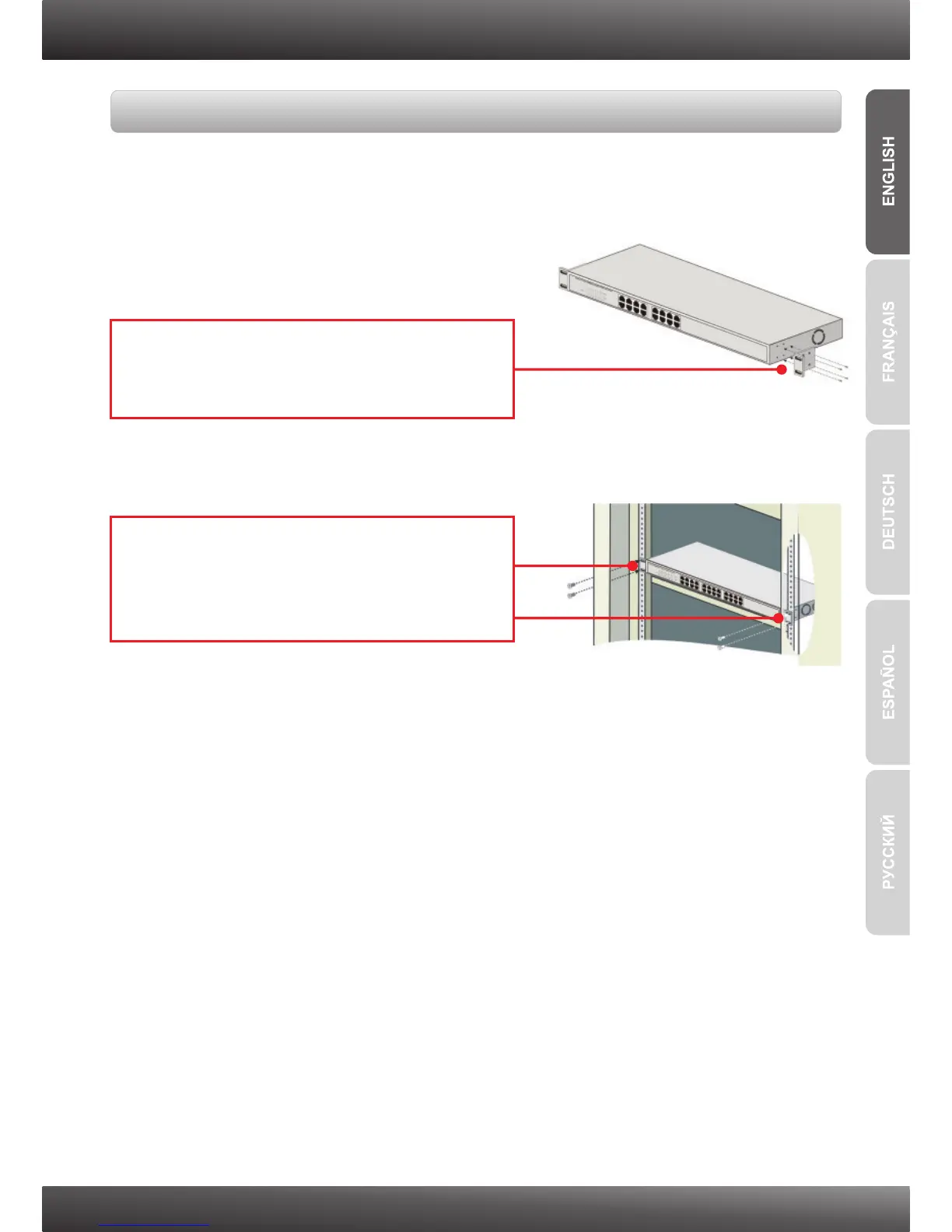
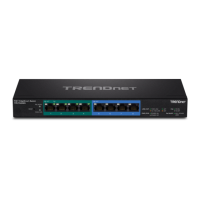
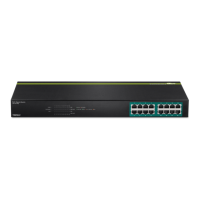
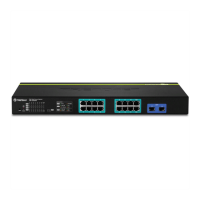
The Switch can be mounted in an EIA standard-size, 19-inch rack, which can be placed
in a wiring closet with other equipment.
Rack Mount
1. Attach the mounting brackets to both sides of
the chassis and secure them with the provided
screws.
2. Carefully position the chassis onto the rack.
Align the bracket to the screw holes on the
rack, then use the screws provided with the
equipment rack to mount the chassis.






 To Next Page