TRENDnet User’s Guide TPL-4052E
© Copyright 2015 TRENDnet. All Rights Reserved. 16
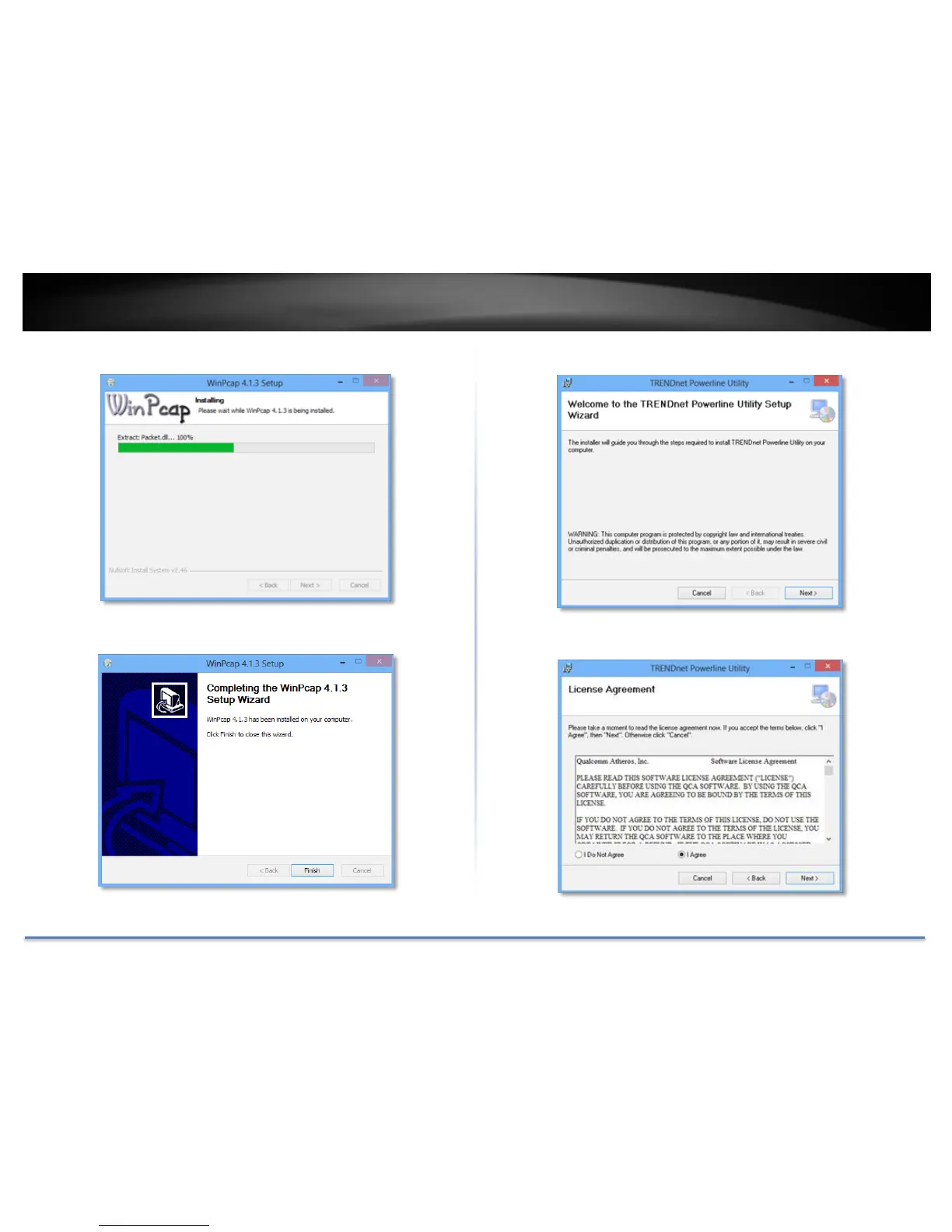
9. Wait for the WinPcap installation to complete.
10. After the process has been completed, click Finish.
11. At the TRENDnet Powerline Utility Setup Wizard, click Next.
12. In the License Agreement window, click I Agree, and then click Next.














 To Next Page