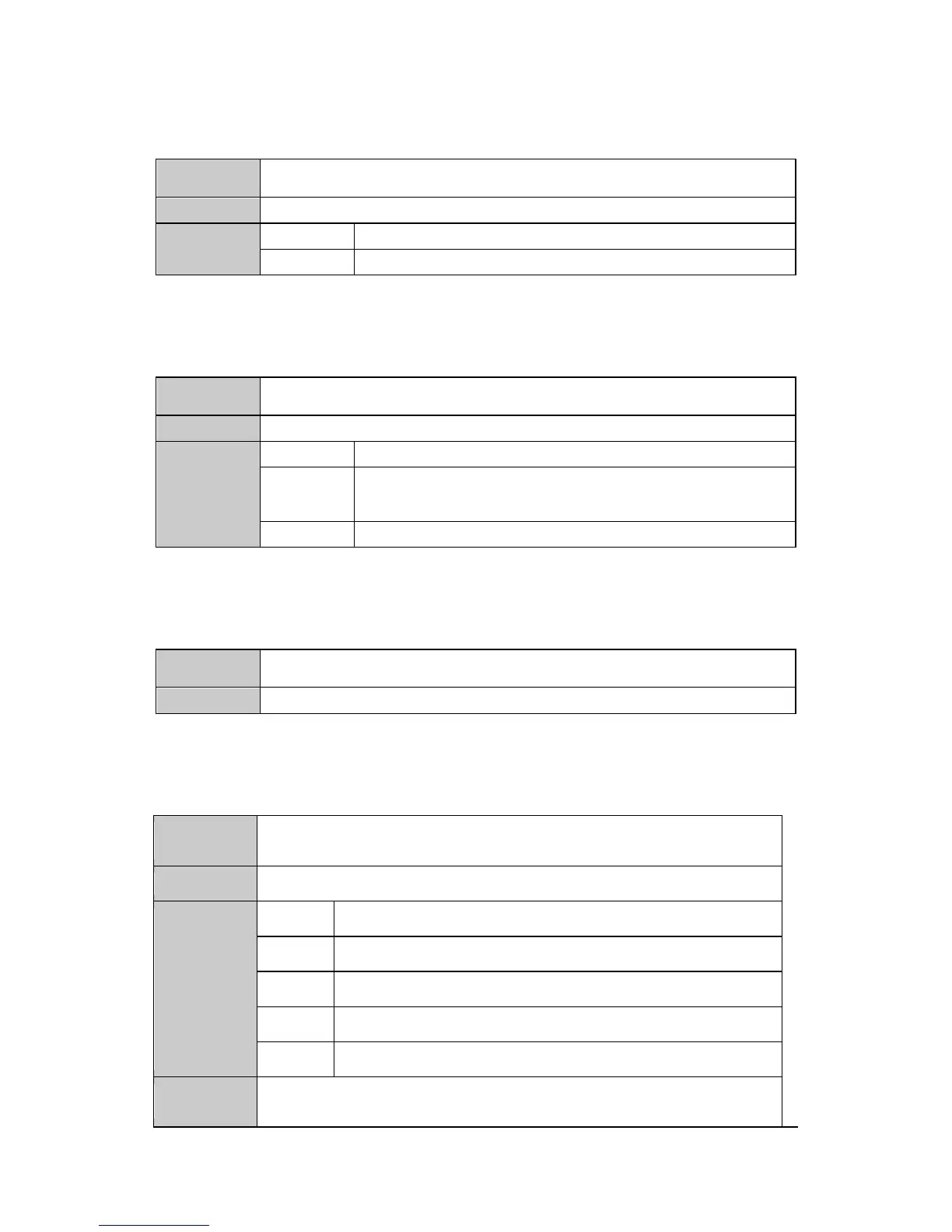
19. Setting the synchronization mode
<smod, Screen_id, sync_mode>
To set the synchronization mode of video-wall
0:async mode 1: sync mode
20. Setting the output channel mapping
<ocov, Screen_id, Logic_ch, Phy_ch>
To set the channel mapping of output connection port
The logical output channel, corresponding to the layout of screen-wall,
the channel number(begins from 0) increases from left to right, then
top to bottom.
The physical port on the device
21. Inquiring the IP address information of device
To inquire the ip address of device
22. Modifying the network parameters of device
<mipr, ip[4], mac[6], mask[4], gar[4], port[2]>
To modify the network parameters of the device
IP address (4 decimal number)
MAC address (6 decimal number)
Subnet mask (4 decimal number)
Gateway (4 decimal number)
A. The format of MAC address should be convert into the decimal format
B. This instruction only supports to be used via ethernet connection.


 To Next Page