EasyManua.ls Logo

Tricolor Video-Wall Processor 380 - Page 29

Tricolor Video-Wall Processor 380
35 pages
Print Icon
To Next Page IconTo Next Page
To Previous Page IconTo Previous Page
Loading...
Returning Value
For example, sending <winf, 0>, the returning could be:
<The valid window ID is :
0,
hnum is 2
vnum is 2
hgap is 0
vgap is 0
hsize is 1280
vsize is 1024
backgroud_pic_en is 1
backgroud_pic_addr is 3072
backgroud_pic_hsize is 1920
backgroud_pic_vsize is 1200
backgroud_pic_hpos is 0
backgroud_pic_vpos is 0
backgroud_pic_hnum is 4
backgroud_pic_vnum is 2
screen_en is 1
The current out_table for 0 is :
0 : 1,1 : 2,2 : 3,3 : 4,>
17. Inquiring current input status
Instruction
Format
<vinf>
Function
To inquire all the input information of the device
Returning
Value
The valid Input is :
SRC TYPE SIGNAL
01 VGA 1
02 VGA 0
03 VGA 1
04 VGA 1
Note: SRC is the input channel number, signal = 1 means the signal is detected,
signal=0 means no signal detected.

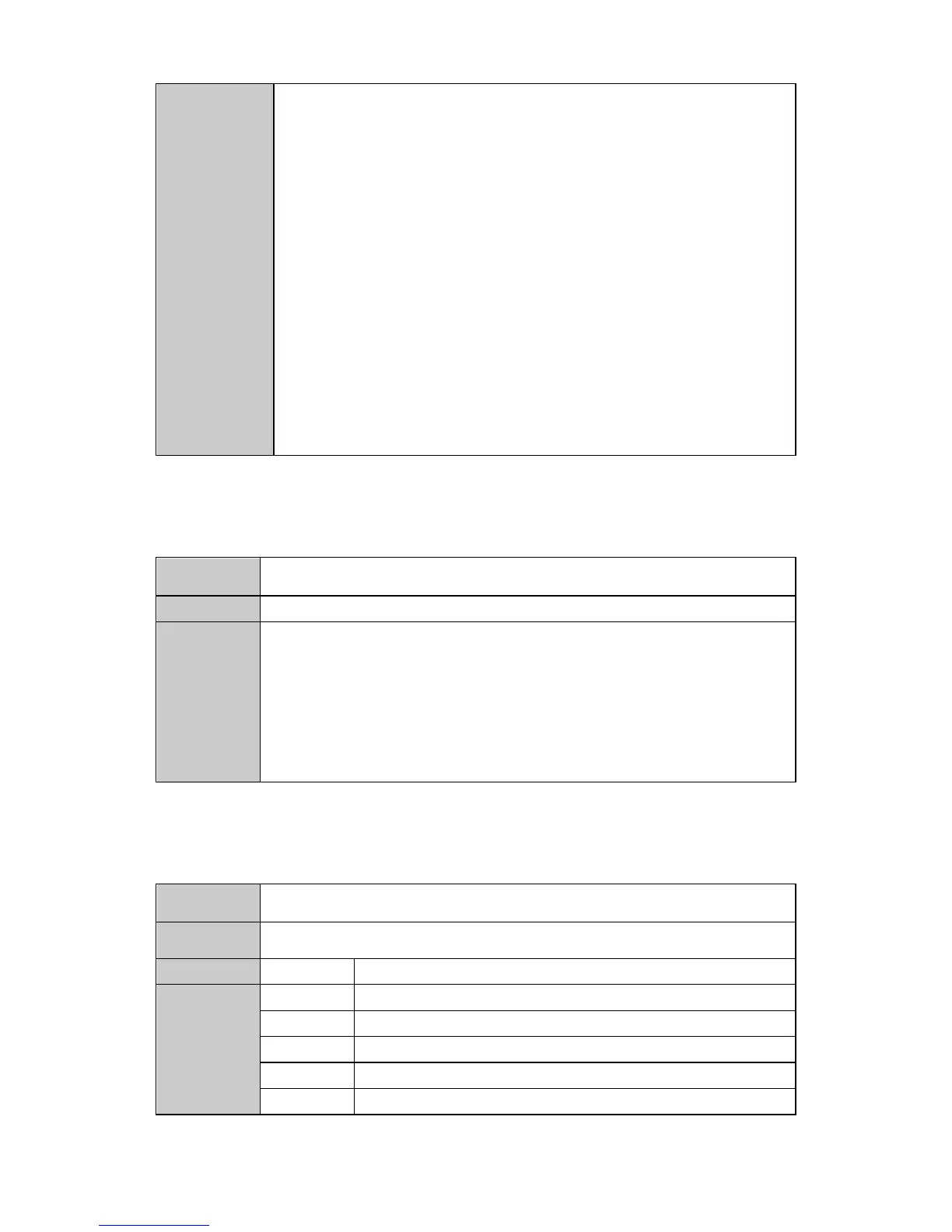
18. Inquiring the window information
Instruction
Format
<widf, W_ID>
Function
To inquire the specified window information, including the cropping status of the
input source
Parameters
W_ID
window ID
Returning
Values
source
Input source number
hstart
Horizontal starting pixel
hend
Horizontal ending pixel
vstart
Vertical starting pixel
vend
Vertical ending pixel