TY96/97 VHF Radio Installation Manual 29 July 2016
01238-00 Issue AD
__________________
____
Trig Avionics Limited Page 35
14. USB File Format
The TY96/TY97 radio internal database that can store up to 250 airfield frequencies. These are stored
as an identifier (up to 6 characters), a standard facility designator, such as TWR or GND, and the
station frequency. These database entries can be created, edited, and deleted from the front panel of the
radio. They can also be saved to a USB stick and loaded from the USB stick.
The data file used on the USB stick is a standard format called Comma Separated Values or CSV, and
the USB stick itself uses the popular FAT32 file system, which means that the file can also be edited on
a desktop computer. CSV files can be edited using a simple text editor, or they can be opened by most
spreadsheet software.
The Trig Com radio database is always loaded from and stored to a file called TRIGCOM.CSV located
in the root directory of the USB stick.
Each database record is written to a single line of the file, and is in the following format:
<AIRFIELD>,<FACILITY>,<FREQ>
For example:
EDINBR,TWR,118.700
The airfield name can be up to 6 characters long. If a file is loaded with entries longer than 6
characters, the names will be truncated.
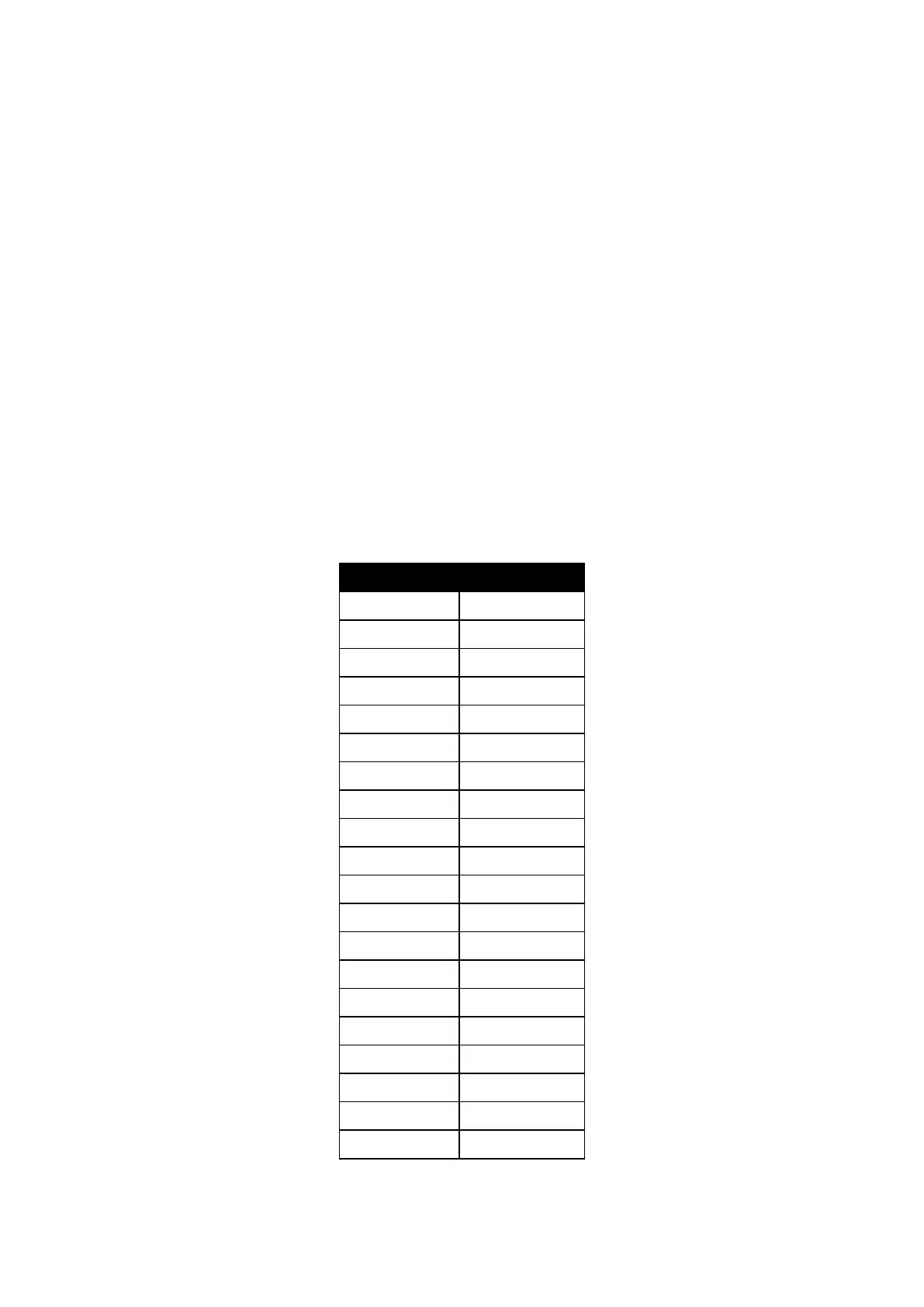
The facility is one of the following:


 To Next Page