Introduction
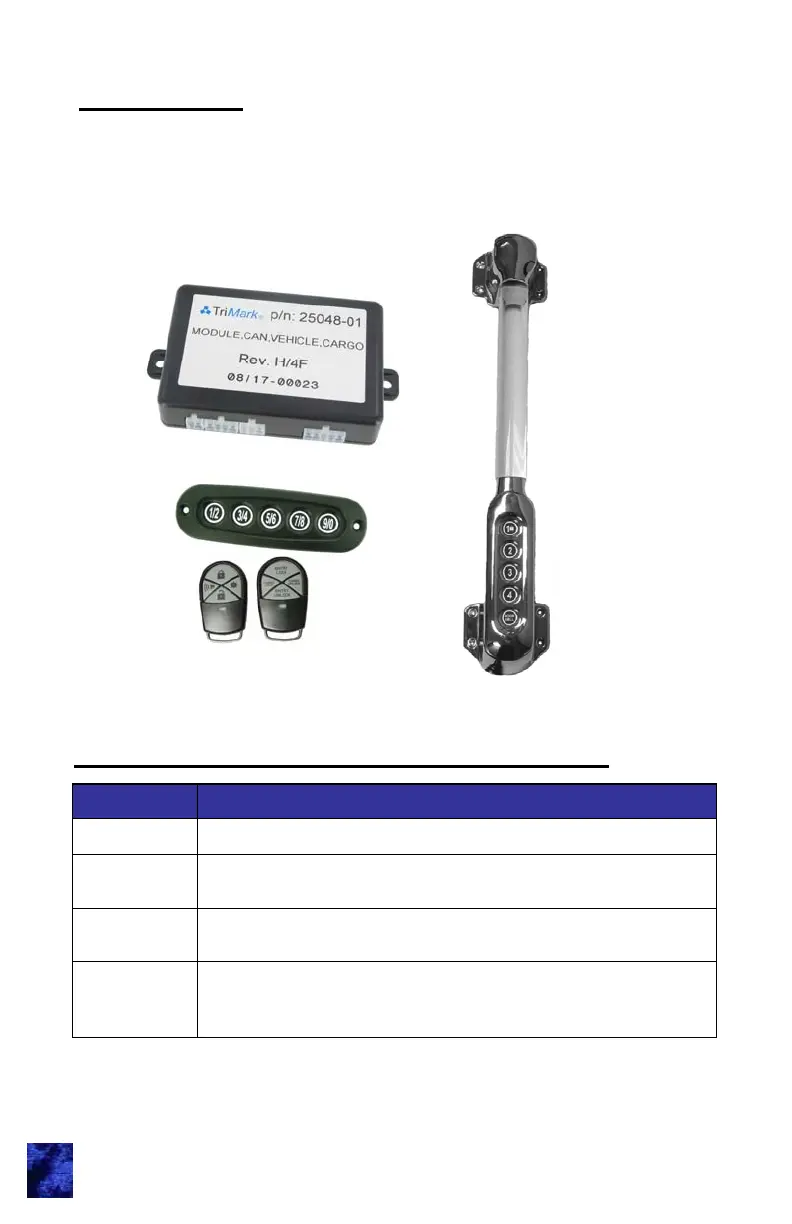
This manual provides the necessary information for the proper
installation and use of TriMark’s CAN e-ASK system including vehicle
module and keypad.
1
Standard e-FOB Operation and Features
Button Function
Lock
Locks doors and arms security system.
Unlock
Unlocks doors and disarms security system. Also
activates the dome light.
Panic
Activates panic mode when pressed and held for 2
seconds.
* Auxiliary
Button
Auxiliary output. Possible assignment includes: interior/
exterior lighting, awning extension/retraction, gas cap
release, hood release, etc.



 To Next Page