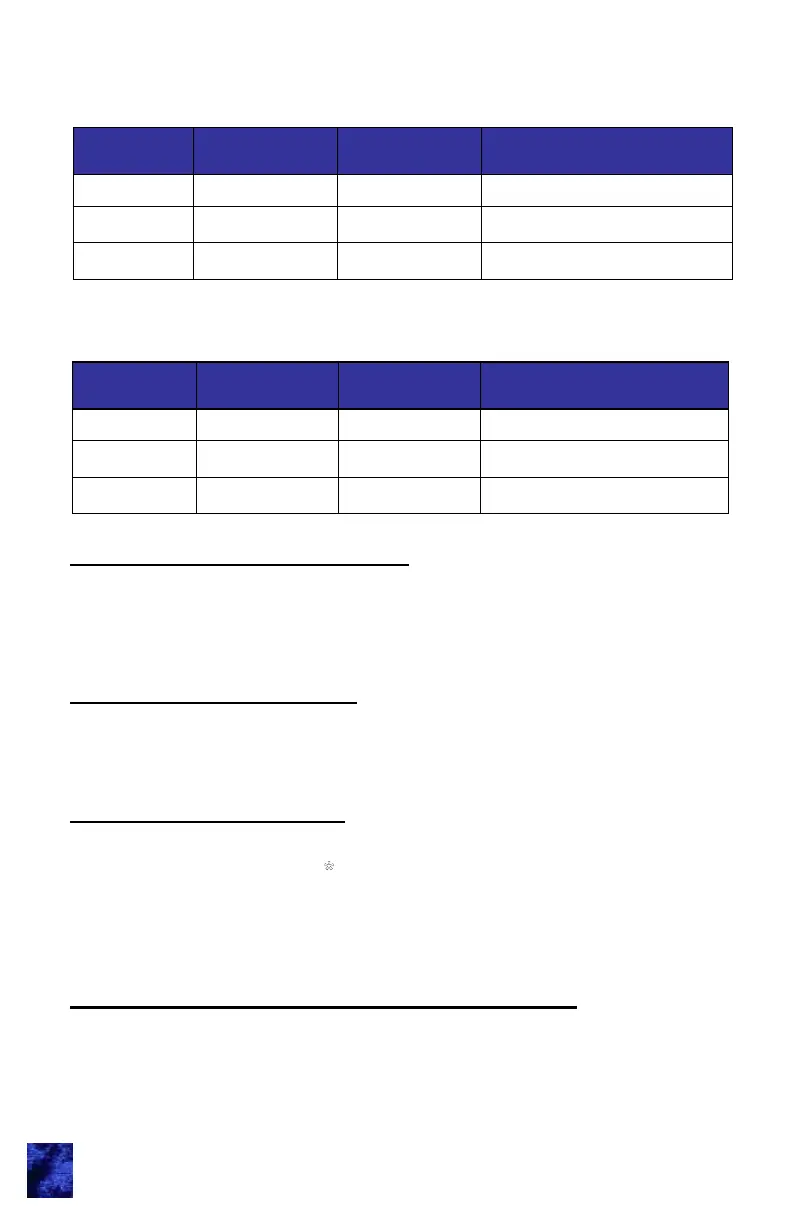
Outputs
Single Lock
Confirmation
All Lock
Confirmation
Alarm
Siren
Not used Not used 1 minute or when shut off
Horn
1 chirp 2 chirps Not used
Headlights
1 flash 2 flashes 1 minute or when shut off
9
Outputs
Unlock
Confirmation
Lock
Confirmation
Alarm
Siren
Not used Not used 1 minute or when shut off
Horn
1 chirp 2 chirps Not used
Headlights
1 flash 2 flashes 1 minute or when shut off
The following table describes audio/visual activations at various
conditions in standard mode.
The following table describes audio/visual activations at various
conditions in cargo mode.
Timed Dome/Porch Light Activation
The dome/porch light is activated upon pressing any keypad button or
by unlocking entry door via e-FOB transmitter. The activation duration is
controlled via trim pot. Starting the engine or locking the doors
deactivates the light.
Compartment Light Activation
Compartment lights are activated upon unlocking compartment doors
(bank A-D) or toggling vehicle switch. The activation duration is
controlled via trim pot. Starting the engine deactivates the light.
Auxiliary 1 Output Activation
Standard Mode: With proper wiring and system configuration, Aux 1
output can be activated with
Button on e-FOB transmitter, via keypad,
or toggled with vehicle switch. The activation duration is controlled via
potentiometer. Starting the engine deactivates the output.
Teaching Additional Transmitter FOBs
There are 2 ways that the receiver can be put into e-FOB learn mode.
The first requires that a CAN keypad be connected to the network. This
option allows the module to be put into train mode without accessing the
module. The 2
nd
option requires access to the module. Up to (10)



 To Next Page