2.
Press PROG/ENTR key again, Immediately, P starts blinking which indicates
that the parameter can now be changed. Set the parameter value by pressing "UP"
and "DOWN" keys untill the desired value is received.
3.
Press PROG/ENTR key to confirm the parameter value. Hence, the unit will
restart and return into Run Mode.
Run Mode
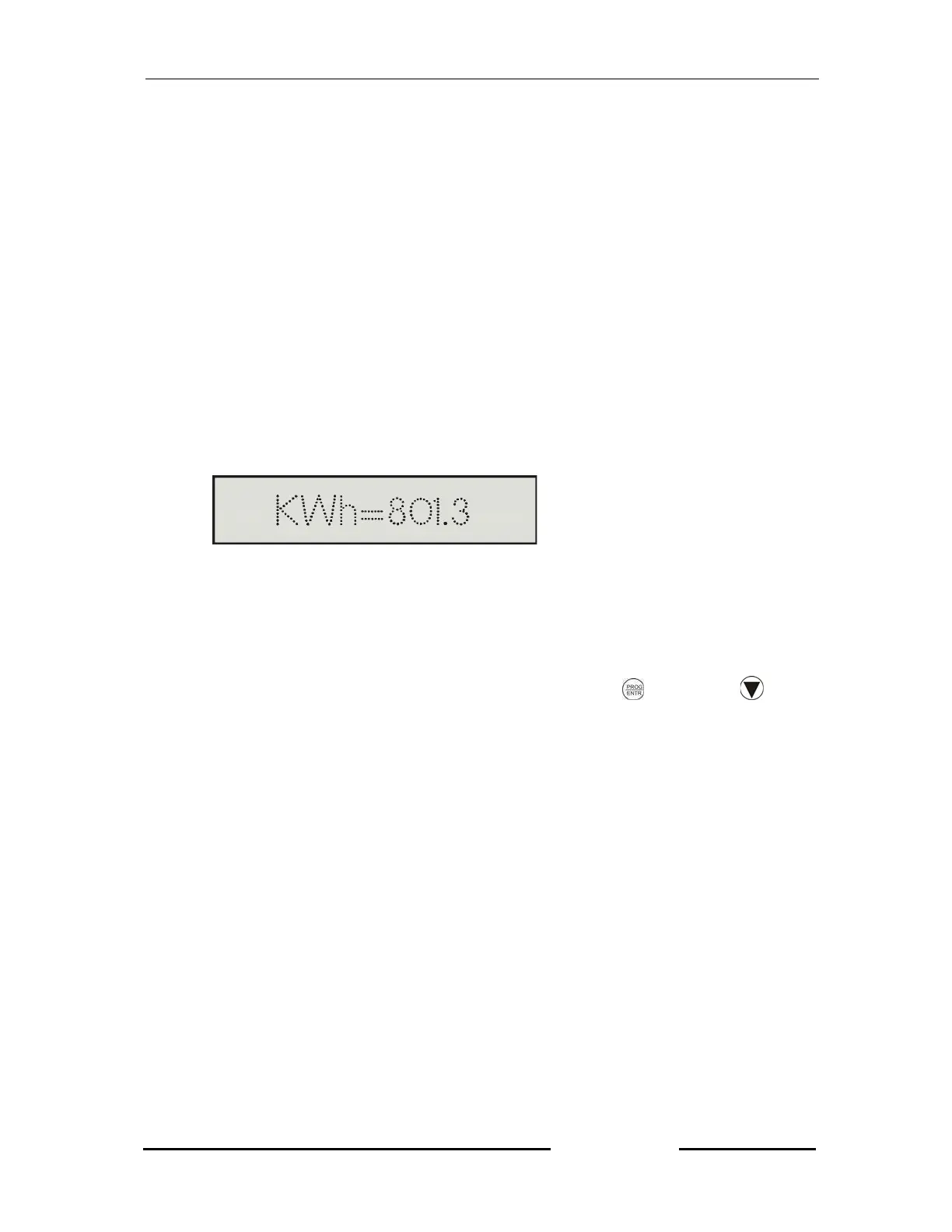
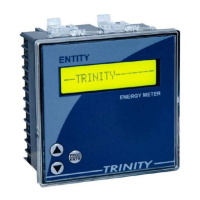
In the Run Mode, KWh energy calculated by the unit is displayed on a 16X1 LC
display such as shown below.
Resetting Energies
The Active Energy (KWh), can be reset by pressing
key and
key
simultaneously for about 8 seconds. Hence, the unit will restart and return into Run
Mode displaying zero energy.


 To Next Page