CCTV TESTER User Manual
7
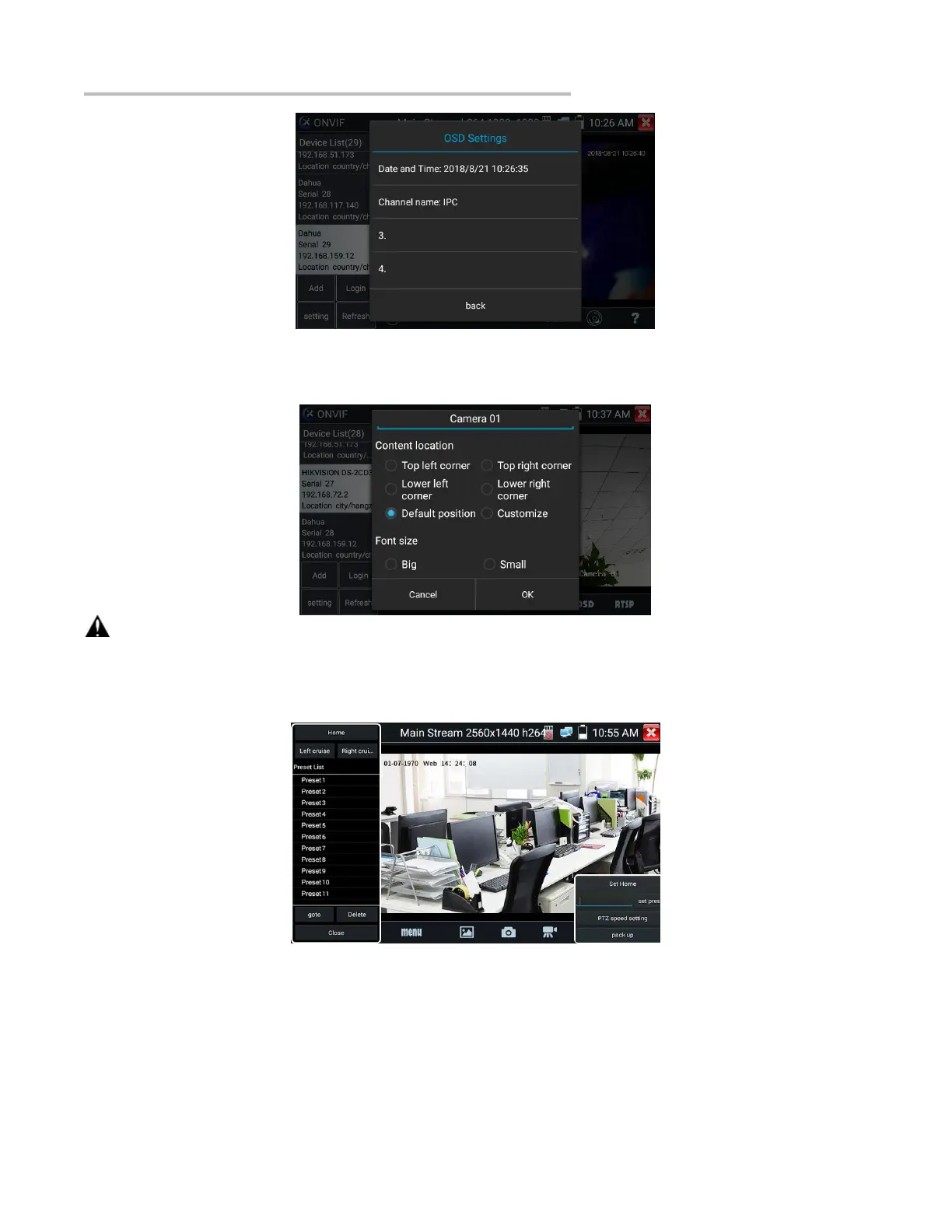
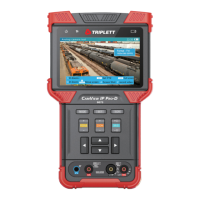
After selecting a channel, you can edit the channel name, modify the display position, and switch the font size. Select “Content location -
Default location”. Select “Customize” to arbitrarily adjust the channel name and display location.
Click “OK” to save the modification. Press return key or click any area on the screen to return to the previous interface.
Video files can play in the Video player on the main menu.
PTZ
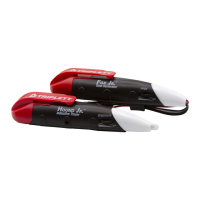
Set preset position: Move the camera to preset position, enter the preset number on the bottom right corner to complete position preset.
Call the preset position: Select the preset number on the left, click "Call" to call preset.
PTZ speed set: Horizontal and Vertical speed set.


 To Next Page