5
Mounting (Rack) continued
2-Post Mounting
2-postmountingrequiresaTrippLite2-PostRackmountInstallationKit(model:2POSTRMKITWM,
sold separately).
Mounting (Tower)
Warning: When mounting the UPS system in a tower orientation, make sure the LCD
Screen panel is at the top of the UPS, not at the bottom.
Note: To mount the UPS in an upright (tower) position, 2-9USTAND is required (sold separately).
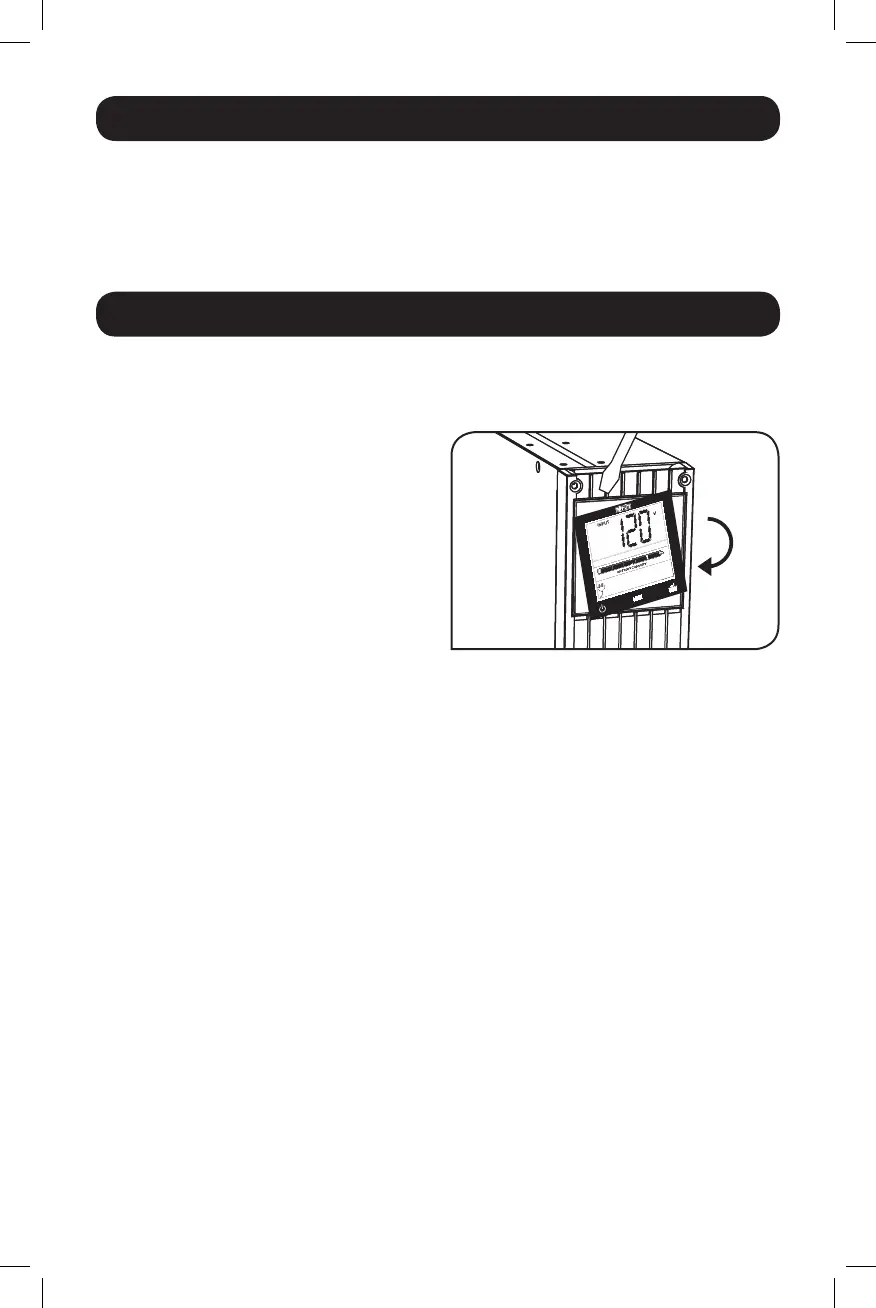
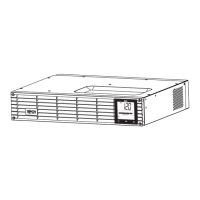
RotatetheLCDScreenpanelforeasyviewing
whiletheUPSistowermounted.Insertasmall
screwdriver, or other tool, in the slots on either
side of the panel. Pop the panel out, rotate it
and pop the panel back in place.
14-03-028-93-3088.indb 5 3/20/2014 4:08:34 PM




 To Next Page