9
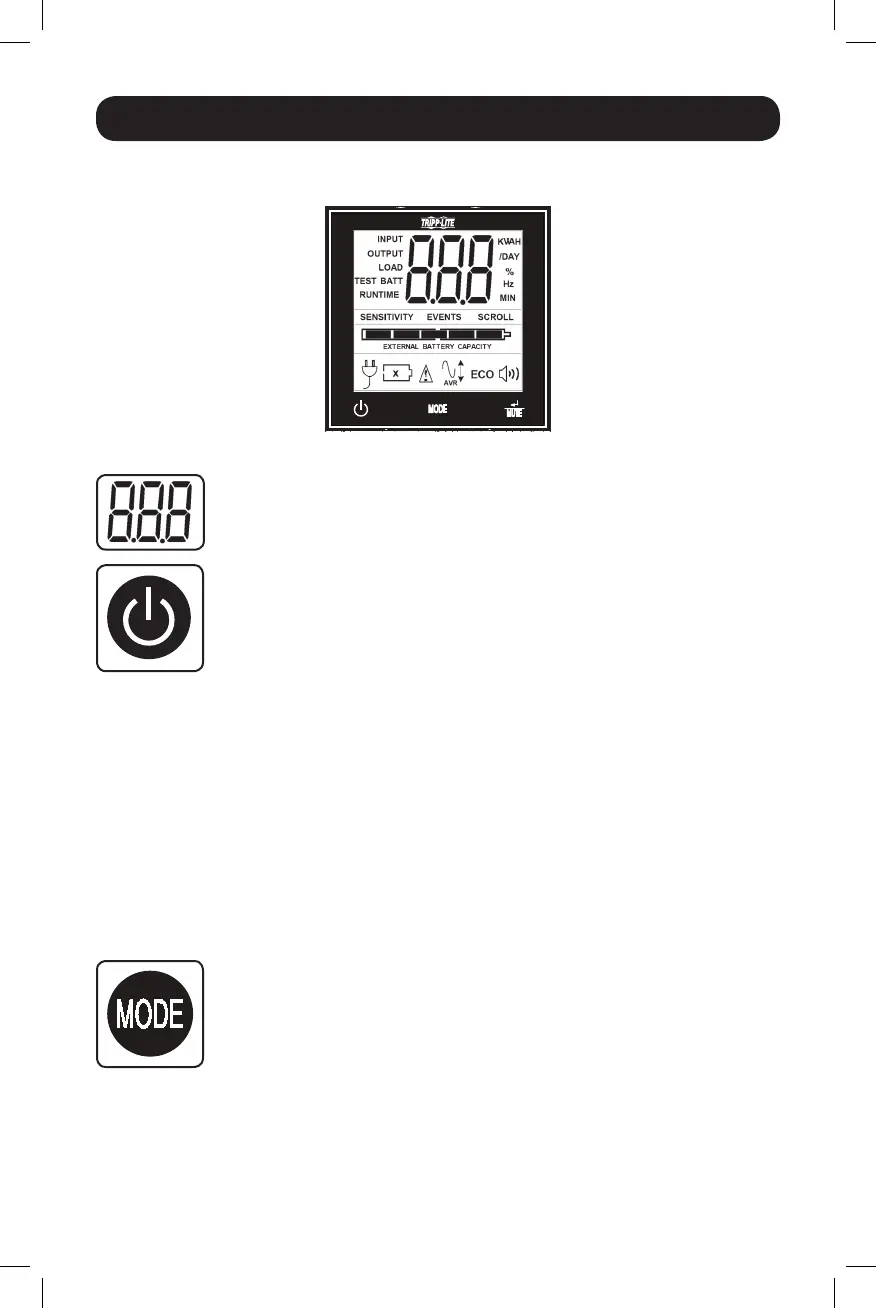
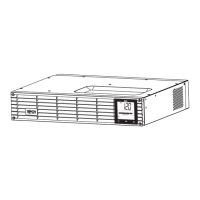
Note: This LCD image is shown
with all icons illuminated. Under
normal conditions, only select
icons will be lit.
Basic Operation
LCD Interface
3-Digit Display: This display is generally used to show values for a given
“Display”or“Control”screen.
“ON/OFF” Button
• To turn the UPS ON:AfteryouplugtheUPSintoaliveACoutlet,theUPS(in
”Standby” mode) will automatically charge its batteries, but will not supply
powertoitsoutletsuntilitisturnedON.WiththeUPSpluggedintoaliveAC
walloutlet,pressandholdthe“ON/OFF”buttonforonesecond.*TheUPS
willbeeponcetoindicateONstatus.Releasethebutton.
• To cold-start the UPS:Ifutilitypowerisabsent,youcan“cold-start”theUPS
(i.e.:turnitONandsupplypowerforalimitedtimefromitsbatteries)by
pressingandholdingthe“ON/OFF”buttonforonesecond.*TheUPSwillbeep
oncetoindicateONstatus.Releasethebutton.
• To turn the UPS OFF:WiththeUPSONandreceivingutilitypower,pressand
holdthe“ON/OFF”buttonfor2.5seconds.*TheUPSwillbeeponceto
indicateOFFstatus.ThenunplugtheUPSfromthewalloutlet.TheUPSwill
becompletelyOFF.
* If the user unintentionally presses the ON/OFF button, the OFF function can be temporarily
canceled by continuing to hold the ON/OFF button until the UPS beeps and then
momentarily pressing either the MODE button or the ENTER/MUTE button. Once both
buttons are released, the UPS will remain ON.
“MODE” Button
To enable viewing of power displays and control menu options, tap this button.
See“DisplayPowerConditions”&“ControlMenuOptions”fordetails.
• CanbeusedinconjunctionwiththeON/OFFbuttontocancelthe“OFF”
function.See“ON/OFFButton”instructionsabove.
• CanbeusedinconjunctionwiththeENTER/MUTEbuttontorestoretheLCD
toFactoryMode.See“ControlMenuOptions”.
14-03-028-93-3088.indb 9 3/20/2014 4:08:44 PM




 To Next Page