41
ARGO USER MANUAL
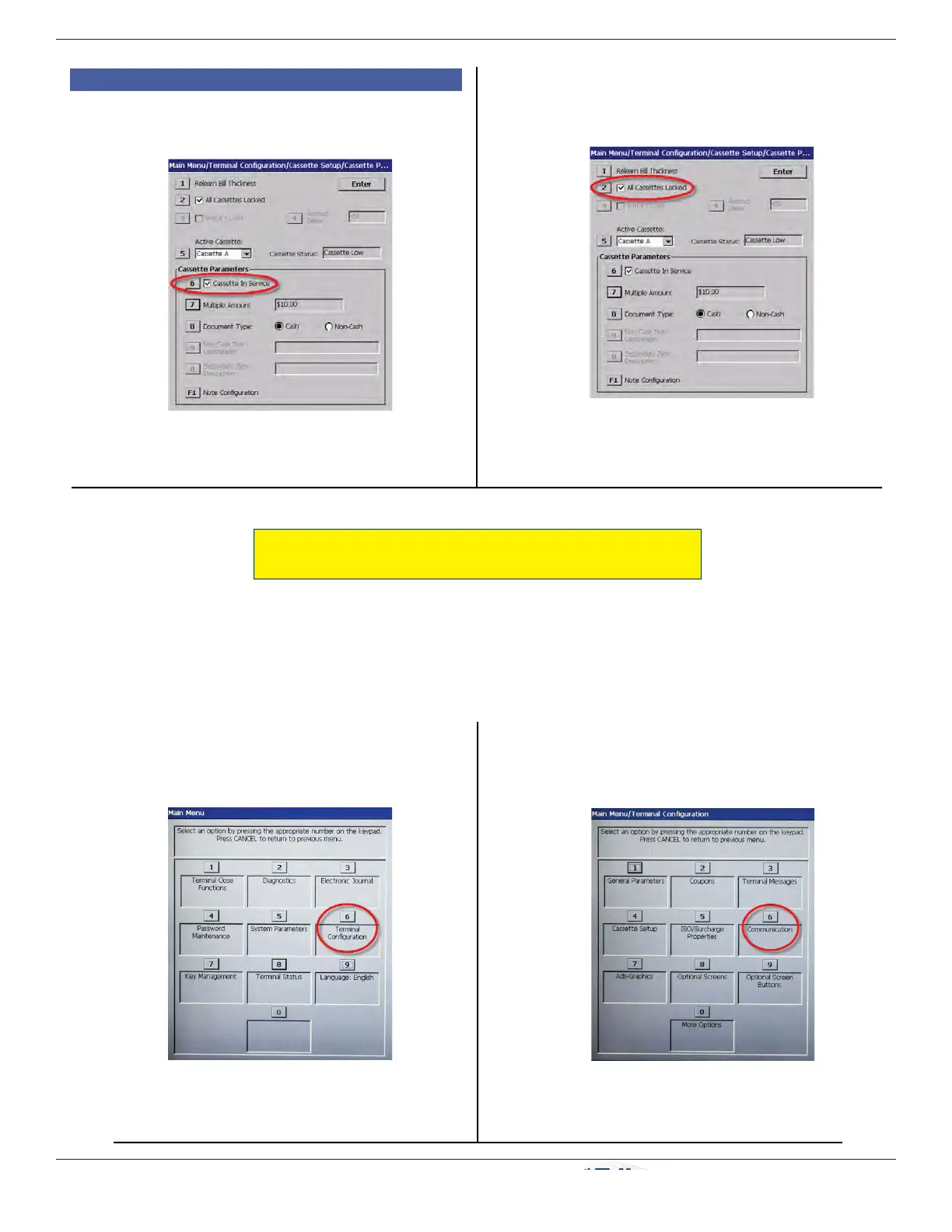
9) Press 2 (All Cassettes Locked) to check
(lock) both cassettes.
C7) Press 6 (Cassette in Service) to place
cassette in service (checkmark displays).
8) Repeat steps 2-7 for the other NMD
cassette in the dispenser.
4. C) NMD50 (continued)
ENTER HOST PHONE NUMBER
(Resolves error code 185.)
The default communication protocol is dialup (TDL) as shown here. For other types of communication with
the host processor, see the XScale/X2 Confi guration Manual or contact Technical Support. It is important at
this point to enable the terminal’s ability to communicate with the host processor.
1. From the Main Menu, press 6 (Ter minal
Confi guration).
2. On the Terminal Confi guration menu, press 6
(Communication).


 To Next Page