45
ARGO USER MANUAL
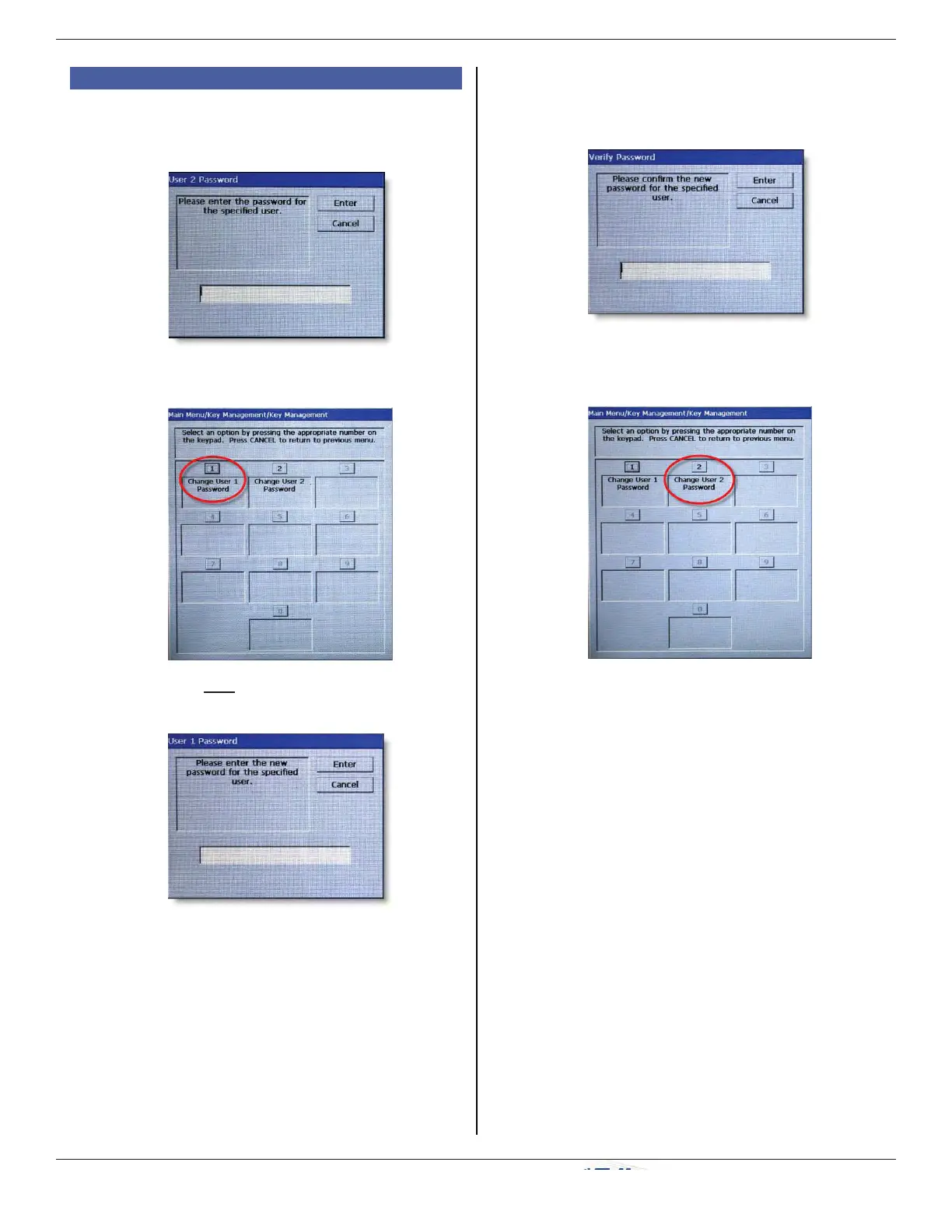
f) Re-enter new password to confi rm, and
press ENTER.
g) Press 2 (Change User 2 Password) and
repeat steps e) and f) for User 2.
3. A) T7 PCI EPP (continued)
c) Enter default password (000000) for User
2, and press ENTER.
d) Press 1 (Change User 1 Password).
e) Enter new password for User 1, and press
ENTER.
NOTE: The password must be
between 6-14 numeric digits.
NOTE: Some hosts may provide
the passwords for User 1 and
User 2.



 To Next Page