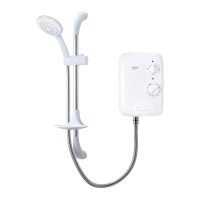
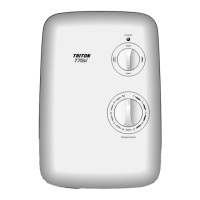
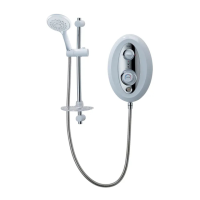
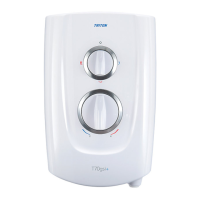
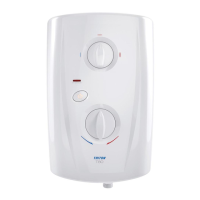
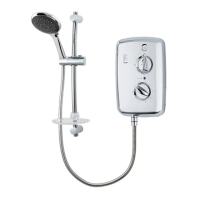
Trance 2nd generation electric shower
16
COMMISSIONING
The first operation of the shower is intended to
flush out any remaining unit debris and to make
sure the heater unit contains water before the
elements are switched on.
This operation must be carried out with the
flexible hose screwed to the outlet but WITHOUT
the shower head attached.
Make sure the outlet from the flexible hose is
directed to waste.
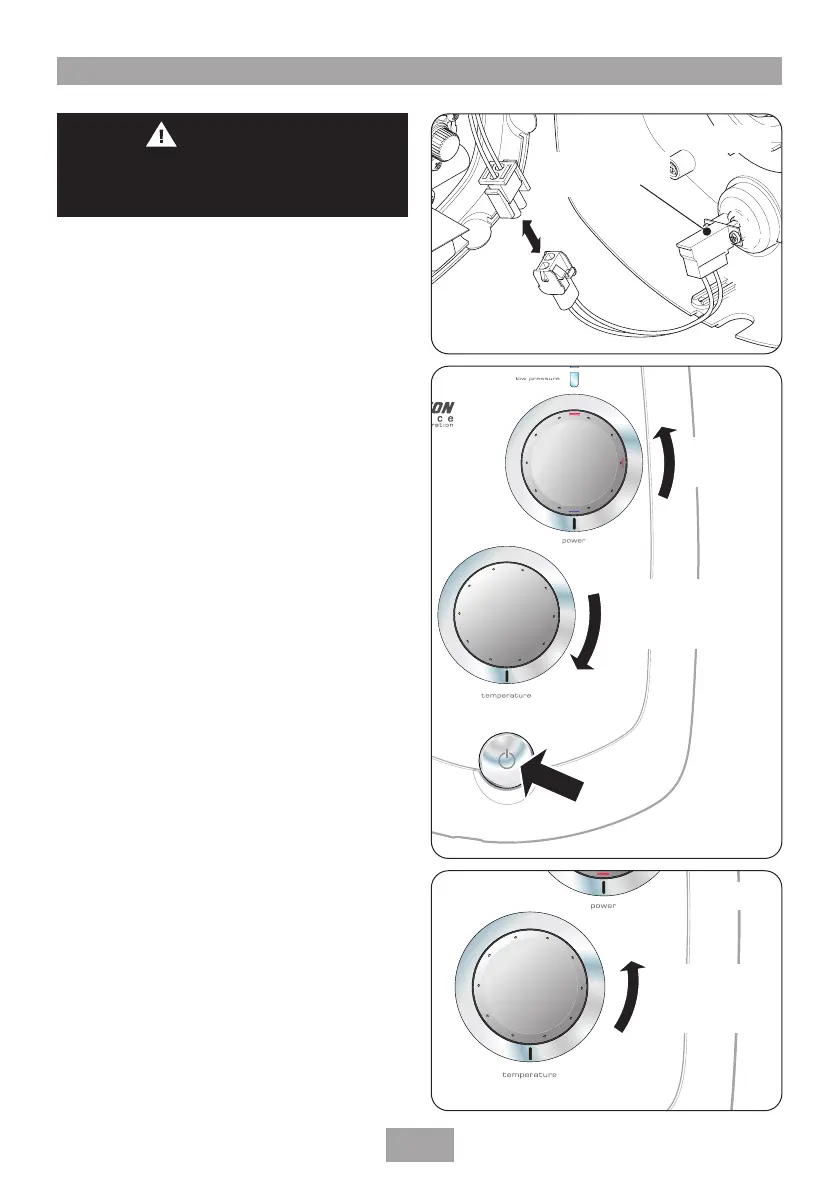
Before switching on the electric and mains water
supplies to the shower, check that the power
selector is in the COLD position (fig.19) and
the temperature control is turned to position 10,
the minimum flow position (fig.19).
Note: Failure to turn the control to ‘10’ may
cause the PRD to operate.
Turn on the electric and mains water supplies to
the shower. The power indicator will light.
Press the Start/Stop button (fig.19) and wait
until water starts to flow from the flexible hose.
Slowly turn the temperature control fully anti-
clockwise to 1, the maximum flow position
(fig.20).
It will take about thirty seconds for a smooth
flow of water to be obtained while air and any
debris is being flushed from the shower.
When there is a smooth flow of water turn the
temperature control from 1 to 10 and back
again several times to release any trapped air
within the unit.
Once flushing out has been completed, stop the
water flow by pressing the Start/Stop button.
Fit the shower head to the flexible hose and
place in the shower head holder.
The shower is now ready for normal operation.
T00412
Start/Stop switch
assembly
Fig.18
9
8
7
6
5
4
3
2
1
10
Rotate
power selector
to COLD
Rotate
temperature control
to 10, minimum
ow position
Start/Stop
button
Fig.19
9
8
7
6
5
4
3
2
1
10
Rotate
power selecto
r
to HOT
Rotate
temperature control
to 1, the maximum
ow position
Fig.20
WARNING
Before normal operation of the shower, it
is essential the following commissioning
procedure is completed correctly.



 To Next Page