SEE2 UV150 USB 2.0 EXTERNAL VIDEO ADAPTER
9
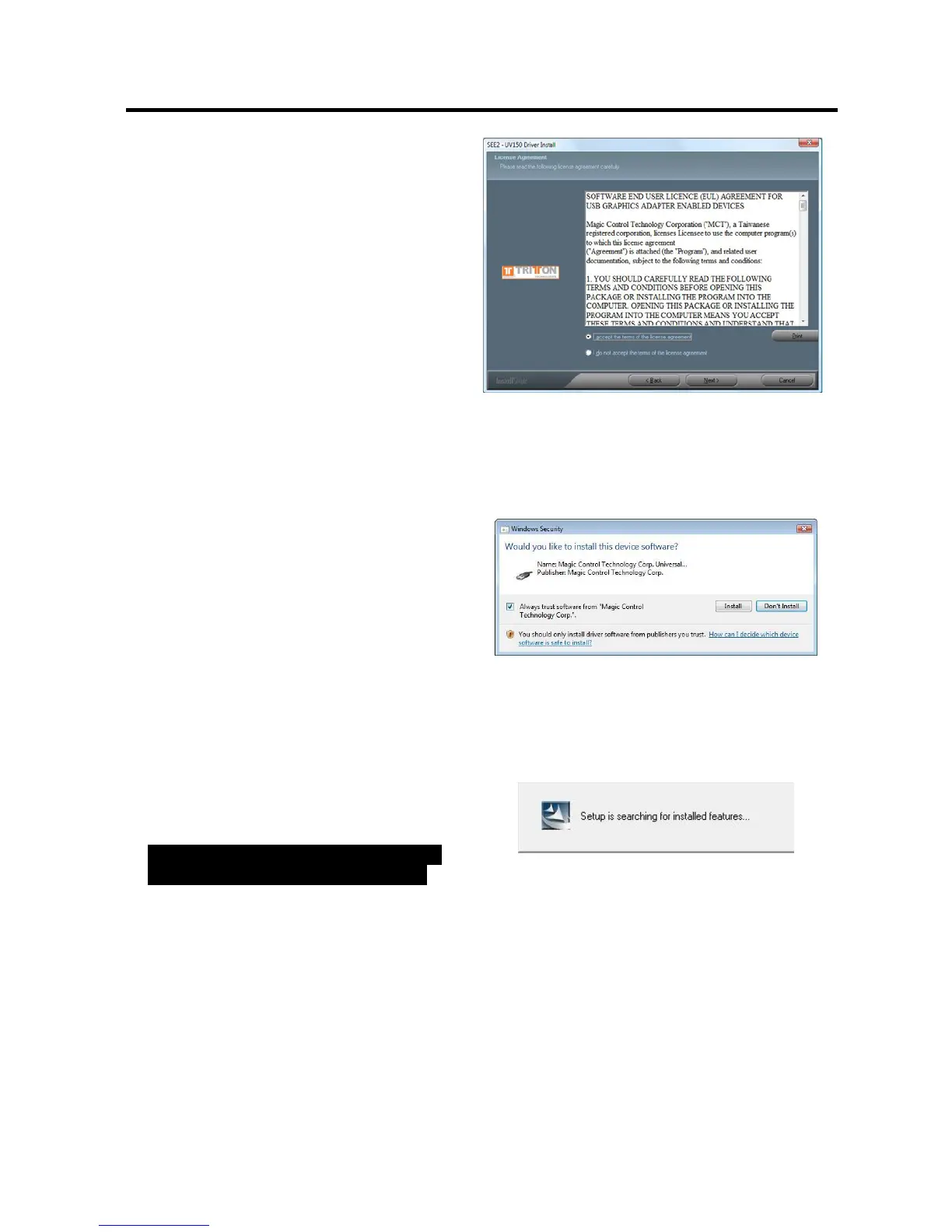
Step 3
License Agreement; review it and check
“
I accept the terms of the license
agreement.
” Click “
Next
” to accept the
License Agreement
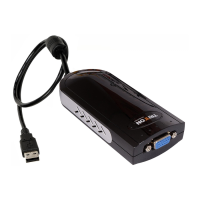
Step 4
A Windows Security warning dialogue
box will display under Windows Vista,
but it will not affect the device driver
installation and usage the device. Please
select “
Always trust software from
“Magic Control Technology Corp.
”,
then click “
Install
” to continue
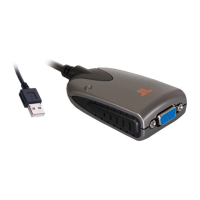
Step 5
Setup is searching for installed
features…
Normally, it will take around 5 to10
minutes during the period of time


 To Next Page