SEE2 UV150 USB 2.0 EXTERNAL VIDEO ADAPTER
8
D
EVICE
I
NSTALLATION ON
W
INDOWS
V
ISTA
S
YSTEM
¾
S
OFTWARE
I
NSTALLATION
Installing the device driver enables your computer’s operating system to recognize the
SEE2 UV150. Please check what operating system you are using, and ensure you
are referring to the appropriate installation procedure before you begin.
Please make sure the SEE2 UV150 is unplugged from your desktop or notebook
before executing the setup program.
This section illustrates the simple device driver
installation procedure for computer running the Windows Vista operating system.
Step 1.
Insert
the
Driver
CD
into
the CD-ROM drive; the
CD menu
should launch
automatically. Click “Install Driver” to launch the setup program. If the setup
program does not begin automatically, click Start, Run and type
“
D:\Driver\Setup.exe
” (where D: is the path of your CD-ROM drive). You can also
access it from My Computer
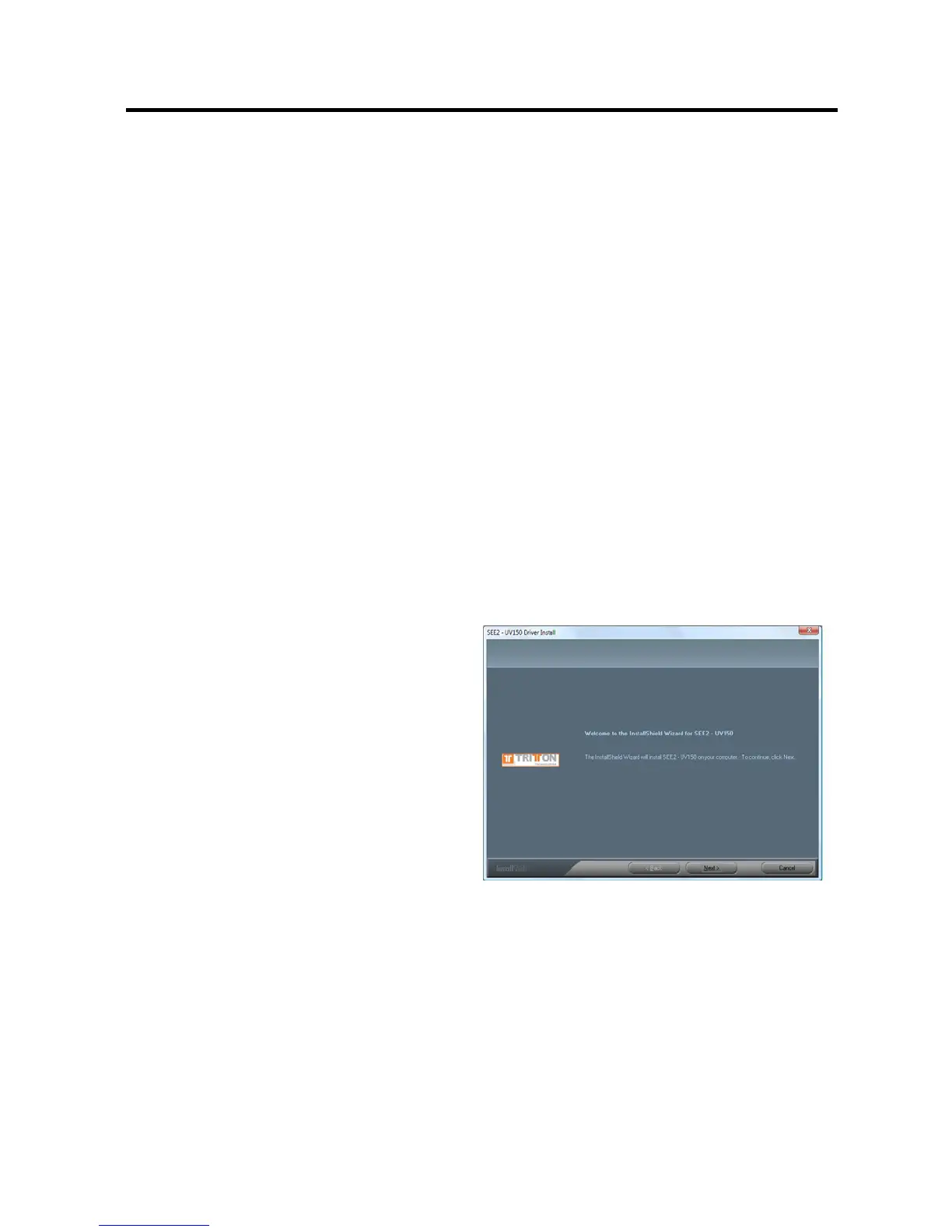
Step 2.
Driver Installation Wizard, click “Next” to
continue


 To Next Page