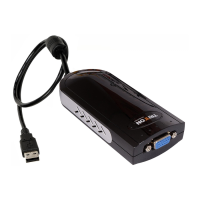
SEE2 UV150 USB 2.0 EXTERNAL VIDEO ADAPTER
7
D
EVICE
D
RIVER
U
N
-
INSTALLATION IN
W
INDOWS
2000/XP
S
YSTEM
The following procedure allows you to un-install the SEE2 UV150 device
driver.
Step 1
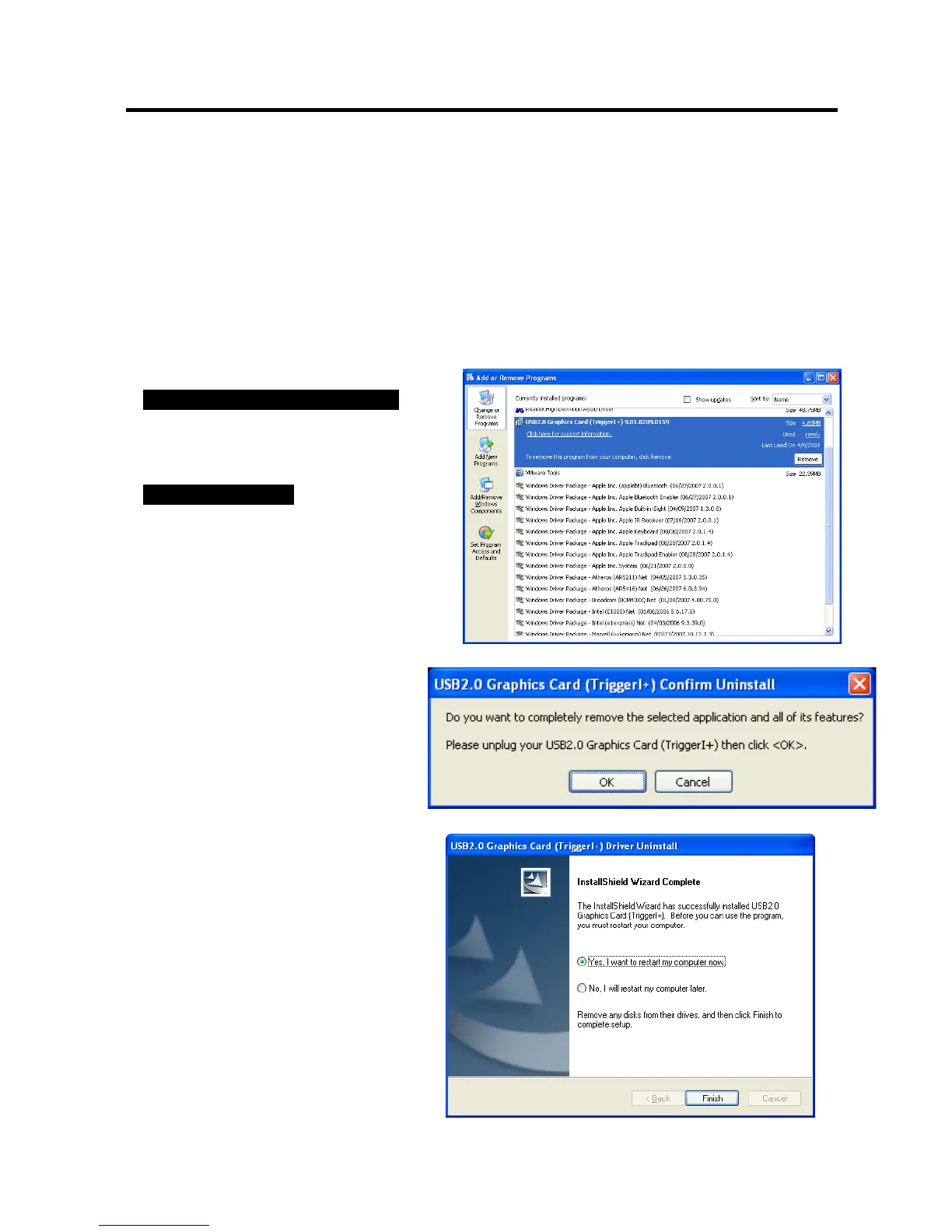
Please make sure the SEE2 UV150 is
unplugged
from your PC or Notebook
before executing the device driver un-installation program.
Step 2.
Default Windows XP Start menu:
Click “Start
”
→
“Control
Panel” →
“Add
or
Remove
Programs”.
Classic
start
menu:
Click
“Start”
→
“Settings” →
“Control
Panel” →
“Add
or
Remove
Programs”.
Select
“
SEE2 UV150 driver”
item.
Click
the
“
Remove
”
button.
Step 3.
Make sure the SEE2 UV150 is
unplugged from notebook/PC USB
port and click “
OK
” to continue.
Step. 4
Select “
Yes, I want to restart my
computer now
” and click “
Finish
” to
reboot. After reboot, you will complete
the driver un-installation


 To Next Page