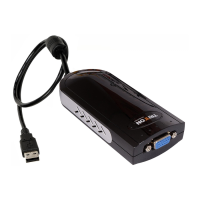
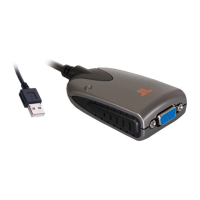
SEE2 UV150 USB 2.0 EXTERNAL VIDEO ADAPTER
11
¾
Installation of SEE2 UV150
Step 1
Connect the external display device (monitor/projector) to the VGA connector of the
SEE2 UV150 and ensure the display device is on.
Step 2
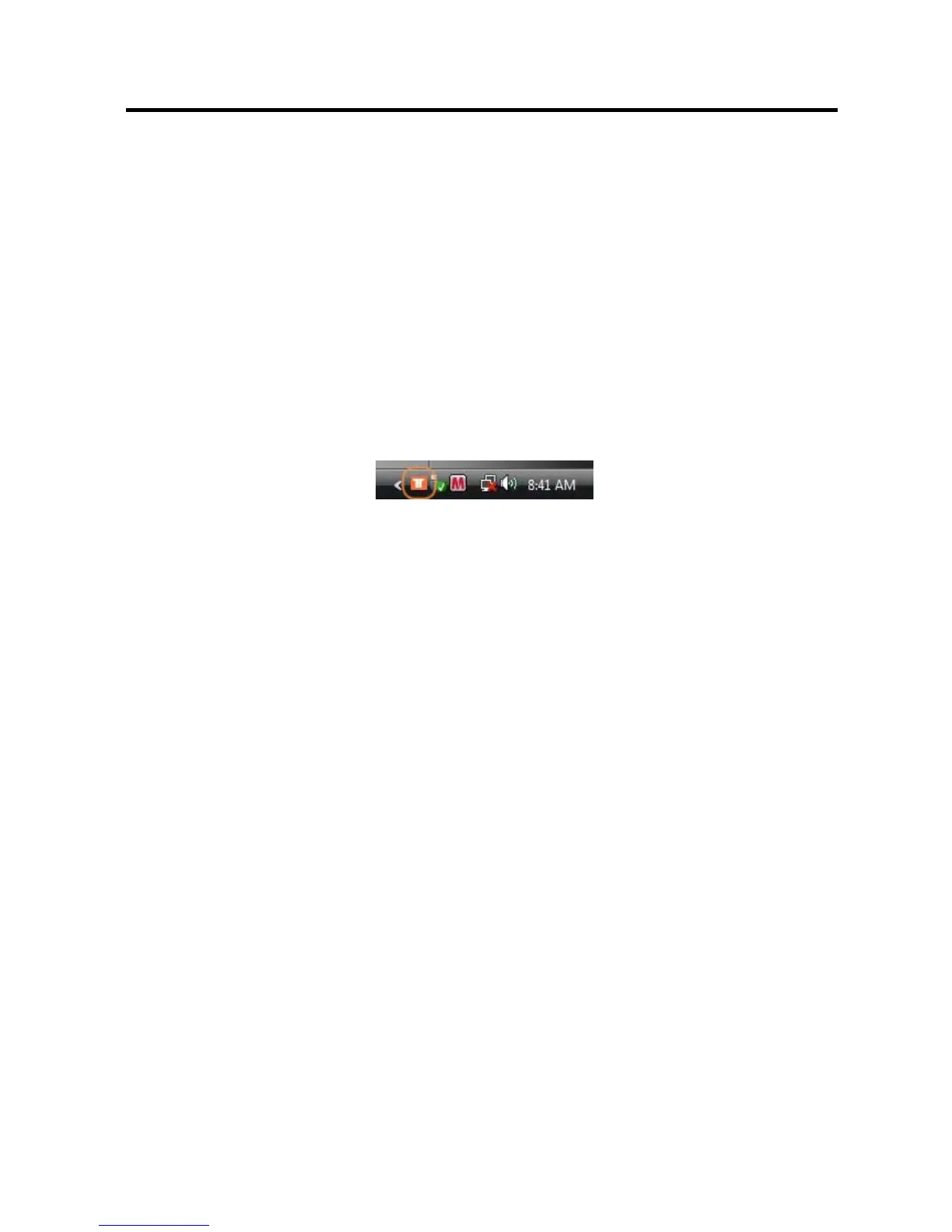
Plug the SEE2 UV150 into an available USB 2.0 port of your PC. The driver
installation will proceed automatically. When the installation is complete you will see
the icon appear in the task bar.


 To Next Page