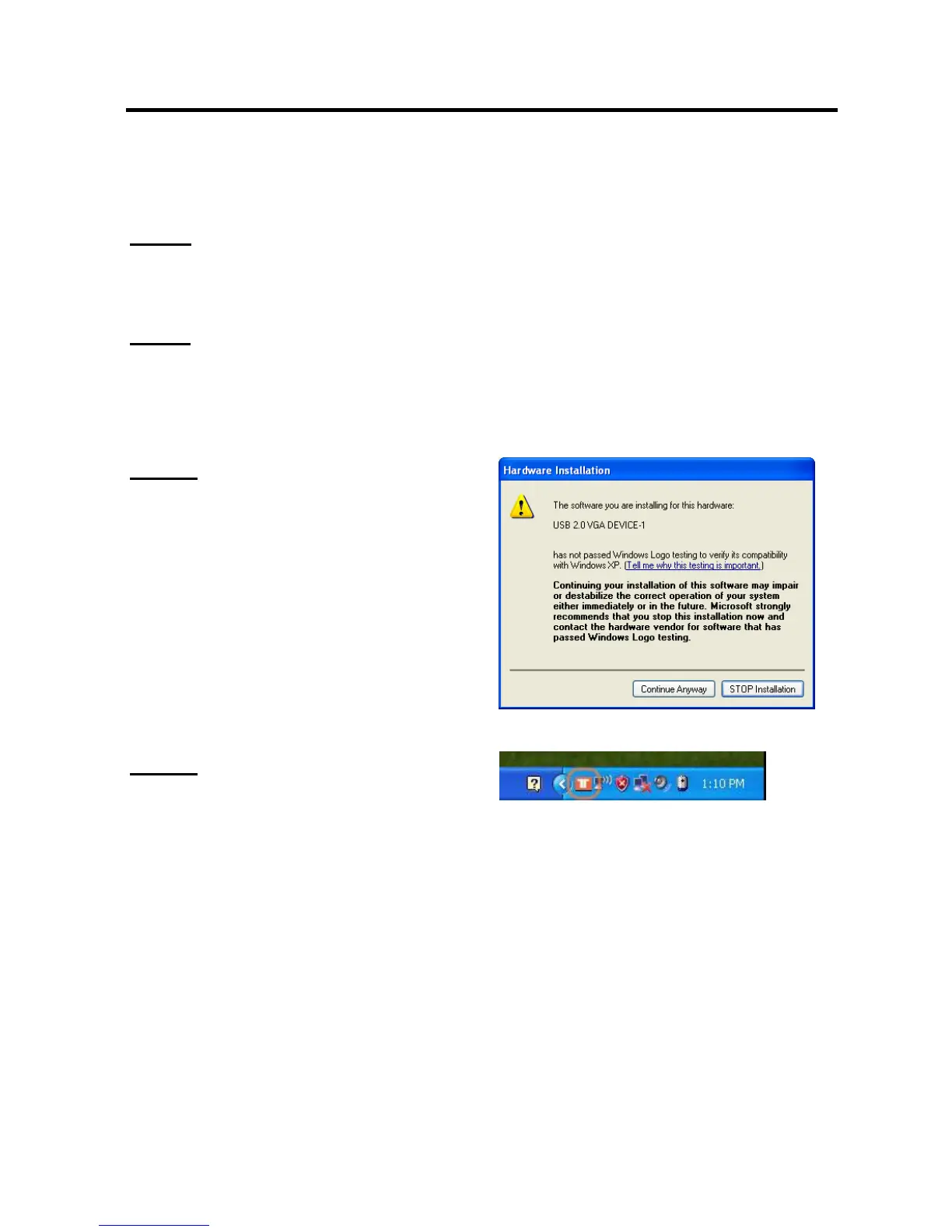
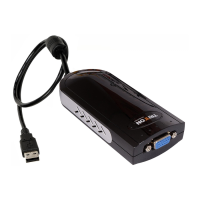
SEE2 UV150 USB 2.0 EXTERNAL VIDEO ADAPTER
5
¾
W
INDOWS
2000/XP
H
ARDWARE
I
NSTALLATION
Step 1
Connect the external display device (monitor/projector) to the VGA connector of the
SEE2 UV150 and ensure the display device is on.
Step 2
Plug the SEE2 UV150 into an available USB
2.0 port of your PC. The driver installation
will proceed automatically.
Step. 3
Please select “
Continue Anyway
” to
continue with the installation each time this
window appears. It will not affect the
device installation and the device usage.
*
The Microsoft Certificate warning dialogue
boxes will not appear when the driver
receives the WHQL certification.
Step. 4
When the installation is complete you will
see the icon appear in the task bar.
*Note: When installing more than one
SEE2 UV150, repeat steps 1-6 for each
device.


 To Next Page