EasyManua.ls Logo

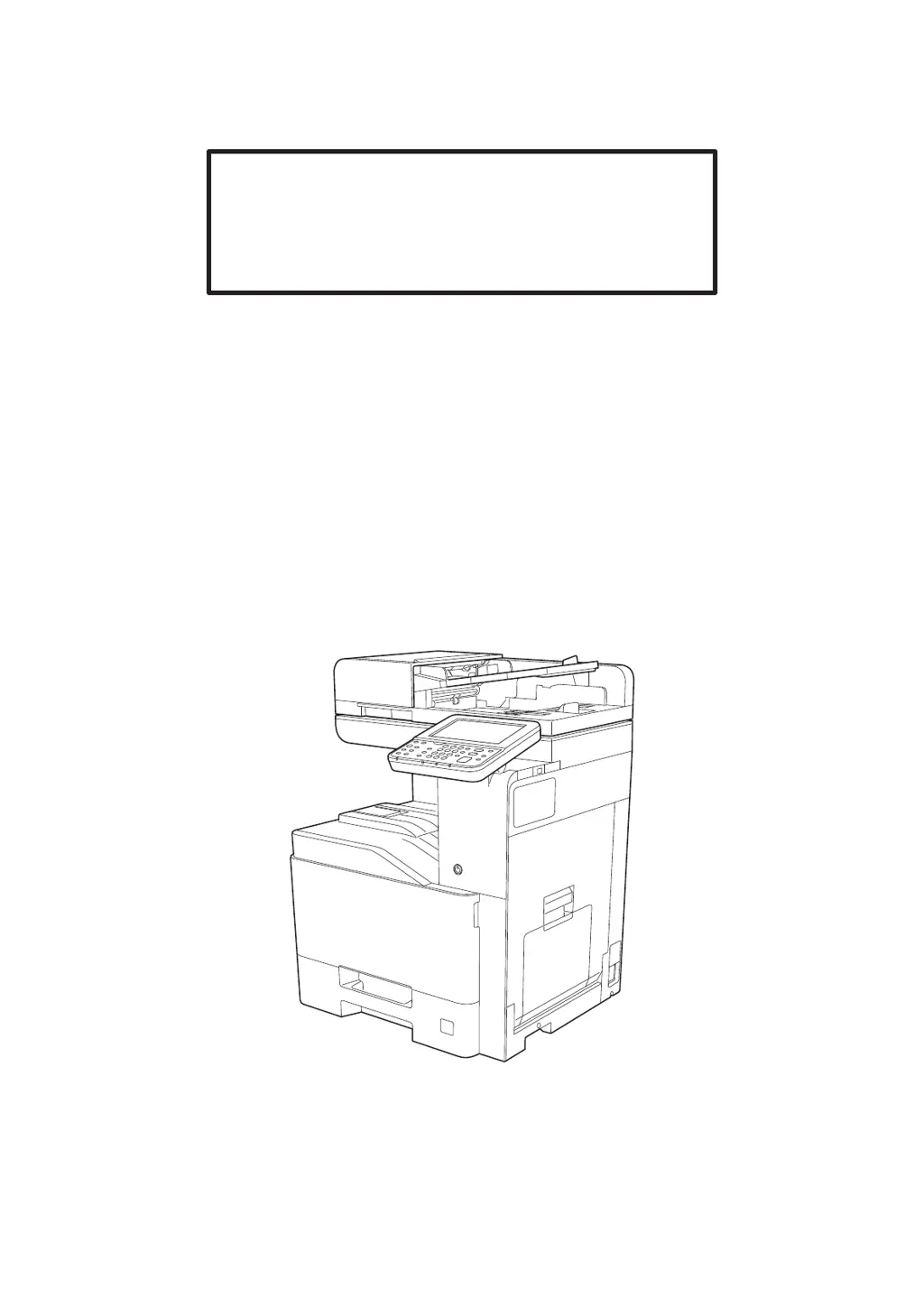
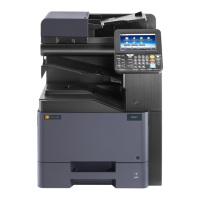
Triumph Adler 350ci - User Manual

Triumph Adler 350ci
568 pages
Print Icon
To Next Page IconTo Next Page
Loading...
Operation Guide
350ci
400ci

Table of Contents

Questions and Answers

  • S
    Stephanie BarberAug 12, 2025
    Why Triumph Adler Fax Machine cannot send fax?
    • S
      smcdonaldAug 12, 2025
      There are several reasons why your Triumph Adler Fax Machine might not be sending faxes: * The modular cord may not be connected correctly; ensure it is properly connected. * The Permitted FAX No. or Permitted ID No. might not be registered correctly; double-check these numbers. * A communication error may have occurred; review the error codes in the TX/RX Result Report and Activity Report and perform the corresponding procedure if the error code starts with "U" or "E". * The destination FAX line may be busy, or the destination FAX machine may not be responding; try sending again.
  • M
    Michelle HillAug 16, 2025
    What to do if Triumph Adler Fax Machine cannot receive document?
    • L
      Logan GutierrezAug 16, 2025
      If your Triumph Adler Fax Machine is not receiving documents, consider the following: * Check if the modular cord is correctly connected. * If a communication error is displayed, remedy the cause of the error and ask the sender to retry. * If you are using an IP telephone line, try changing the setting of [RX Start Speed] in Reception to temporarily clear the communication error. * Verify whether RX (reception) restriction is activated and, if so, cancel the RX restriction.
  • W
    William LeeAug 19, 2025
    Why Triumph Adler Fax Machine cannot perform sub address transmission?
    • B
      Brandon JohnsonAug 19, 2025
      If your Triumph Adler Fax Machine is unable to perform sub address transmission, it could be due to the following reasons: * The recipient fax machine may not be equipped with a sub address transmission feature; sub address transmission cannot be performed unless the recipient fax machine has a similar feature. * The entered sub address or sub address password might not be identical to the sub address or sub address password registered in the recipient fax machine; if your entry is correct, check with the recipient (note that this machine does not use a sub address password for reception). * The recipient fax machine might not have free space available in its memory; check with the recipient.
  • H
    Harold McknightAug 23, 2025
    What to do if Triumph Adler Fax Machine cannot perform memory reception?
    • A
      acostajessicaAug 23, 2025
      If your Triumph Adler Fax Machine cannot perform memory reception, it is likely because there is not enough free space available in the memory. You should receive after the memory has free space, or create free space in the memory.
  • L
    lyorkAug 27, 2025
    Why Triumph Adler Fax Machine cannot store memory forwarding data in a FAX Box?
    • T
      Tamara WoodsAug 27, 2025
      If your Triumph Adler Fax Machine is unable to store memory forwarding data in a FAX Box, there might be two possible reasons: * The FAX Box might not be specified correctly; check the memory forwarding setting. * There might not be enough free space available in the memory; receive after the memory has free space, or create free space in the memory.
  • M
    Matthew GloverAug 31, 2025
    Why Triumph Adler Fax Machine cannot perform encrypted communication?
    • M
      millerpaulAug 31, 2025
      If your Triumph Adler Fax Machine cannot perform encrypted communication, double-check the registrations both at sender and recipient to ensure they are correct.
  • W
    William RiceSep 3, 2025
    Why Triumph Adler Fax Machine cannot output from a FAX Box?
    • K
      krobinsonSep 3, 2025
      If your Triumph Adler Fax Machine cannot output from a FAX Box, it might be because the box password has been set. Try entering the correct box password.
  • A
    April SandersSep 7, 2025
    Why Triumph Adler Fax Machine cannot use sub address bulletin board communication?
    • K
      Kendra JohnsonSep 7, 2025
      If your Triumph Adler Fax Machine cannot use sub address bulletin board communication, it might be due to the following reasons: * The other party’s fax machine may not have the same sort of sub address bulletin board communication function; if it does not, it cannot receive faxes via a sub address bulletin board. Check with the recipient. * The entered sub address or sub address password might not be correct; if your entry is correct, check with the recipient.

Summary

Legal and Safety Information

Precautions for Use

Provides essential safety guidelines for handling consumables and machine operation, including warnings and precautions.

Installing and Setting up the Machine

Connecting Cables

Provides instructions for connecting LAN and USB cables to the machine for network and PC connectivity.

Power On;Off

Explains the correct procedure for turning the machine's power on and off, including important precautions.

Login;Logout

Details the process for logging in and out, required for functions needing administrator rights or user login.

Installing Software

Guides users through the installation of necessary software from the DVD, including drivers and utilities.

Embedded Web Server RX

Explains how to access and configure machine settings remotely via a web browser for administration.

Preparation before Use

Loading Paper

Provides essential guidelines and precautions for loading various types of paper into the machine's cassettes and trays.

Printing from PC

Printing from PC

Explains how to print documents from applications using the Printing System Driver.

Operation on the Machine

Loading Originals

Explains how to load originals onto the platen or into the document processor for scanning or copying.

Copying

Details the basic operation for making copies and managing copy jobs, including interrupt and cancel functions.

Setup and Registration (System Menu)

User Authentication and Accounting (User Login, Job Accounting)

Overview of Job Accounting

Explains how job accounting manages copy, print, scan, and fax counts by assigning IDs to accounts.

Job Accounting (Local)

Details how to add, change, and delete accounts, and set restrictions for each account locally.

Troubleshooting

Solving Malfunctions

Offers general guidelines for problem-solving, including machine operation and printed image issues.

Clearing Paper Jams

Provides step-by-step instructions for removing jammed paper from various locations within the machine.

Triumph Adler 350ci Specifications

General IconGeneral
BrandTriumph Adler
Model350ci
CategoryAll in One Printer
LanguageEnglish

Related product manuals