43
The Main menu allows access to the
following options:
Riding Modes
This menu allows configuration of the
riding modes. For more information, see
page 44.
Bike Set Up
This menu allows configuration of the
following different features of the
motorcycle. For more information, see
page 46.
Trip Set Up
This menu allows configuration of Trip 1
and Trip 2. For more information, see
page 48.
Display Set Up
This menu allows configuration of the
display options. For more information,
see page 50.
Reset to Defaults
This menu allows all instrument settings
to be returned to the default setting.
For more information, see page 54.
Riding Modes Menu
The Riding Modes menu allows
configuration of the riding modes.
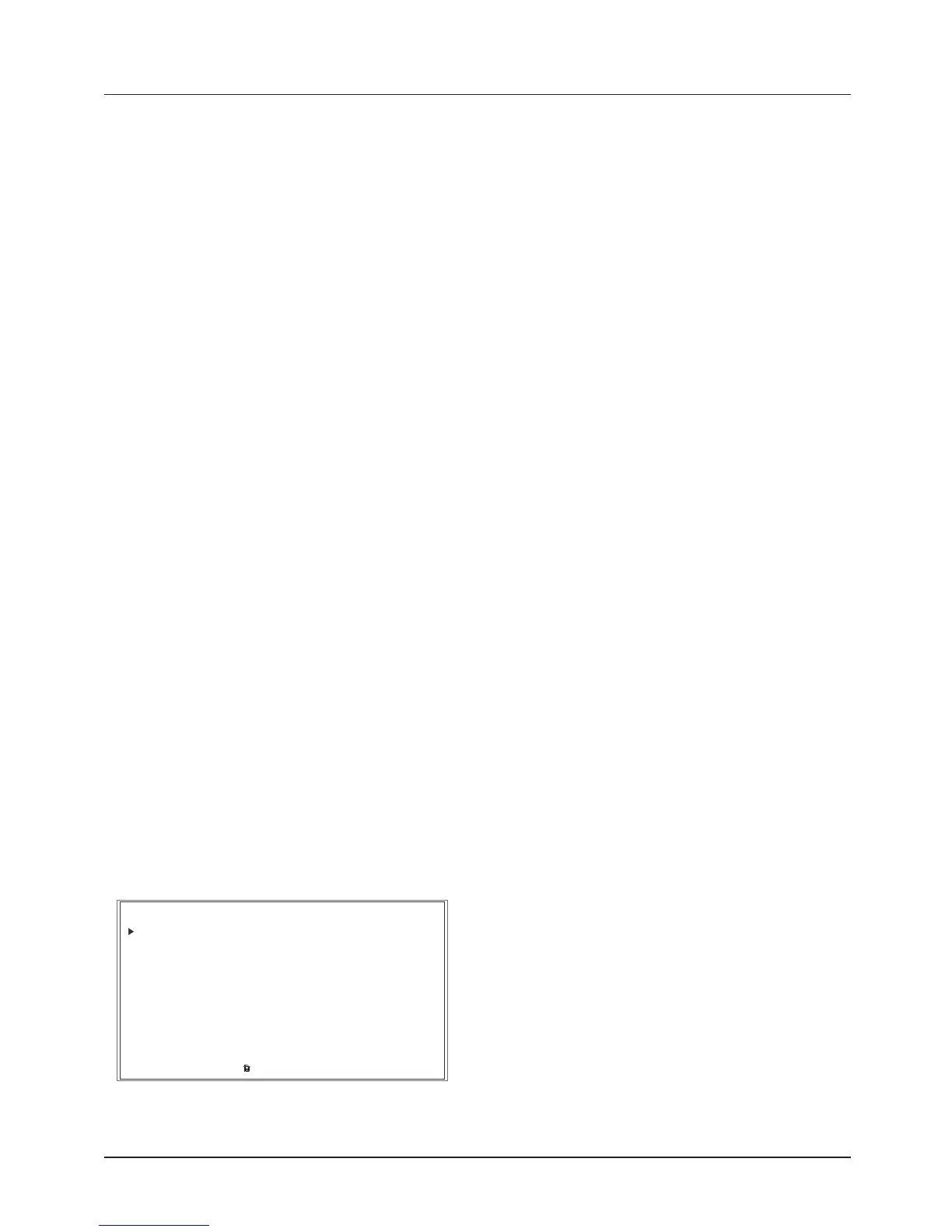
RIDING MODES
BIKE SETUP
TRIP SETUP
DISPLAY SETUP
EXIT
MAIN MENU
RESET TO DEFAULTS
To access the Riding Modes menu:
• Press the HOME button to display
the Main menu.
• Push the joystick down and then
press the joystick center to select
RIDING MODES.
The riding mode options include:
• Rider
• Rain
• Road
• Sport
• Off-Road
• Off-Road Pro
• Reset To Defaults.
Note:
• Riding modes are model specific. Not
all riding modes will be available.







 To Next Page