46 47
4. Ensure that the meter surface stays
wet for 2 minutes. Allow to air dry
before use for an additional 1 minute.
~ Make sure no liquids enter the
Test Port or any other opening in the
meter.
~ Do not spray meter with any cleaning
agents.
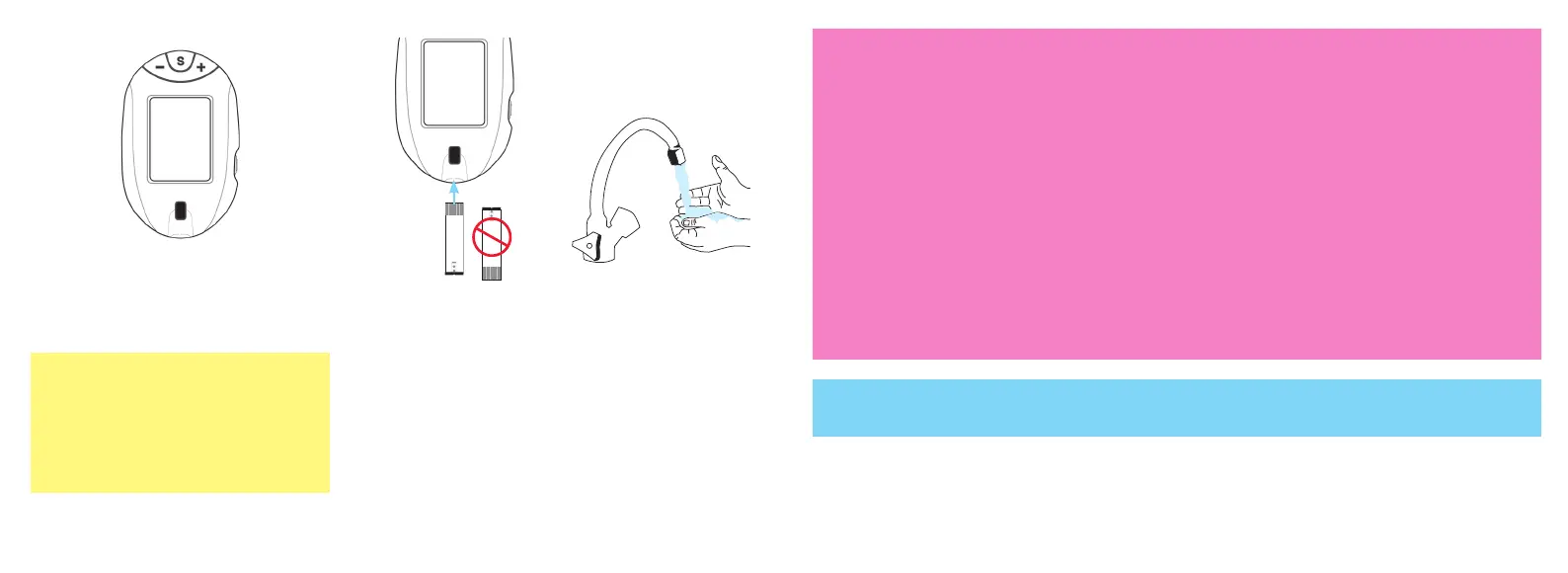
5. Make sure that the system
is working properly by
performing an Automatic
Self-Test. See Automatic
Self-Test under Getting
Started.
6. Wash hands
thoroughly
after cleaning/
disinfecting the
meter.
Caution!
• If Automatic Self-Test gives an error message, call for assistance.
• Other disinfectants have not been tested. The effect of other disinfectants used interchangeably has not
been tested with the meter. Use of disinfectants other than Super Sani-Cloth Wipes may damage meter.
Do not use the meter and call Customer Care for assistance toll free: 1-800-803-6025 or local: 1-954-677-
4599 if:
~ Meter Display appears cloudy or any display segments are missing,
~ Markings on meter, including back meter label, are coming off or missing,
~ "S", "+" or "-" Buttons are hard to push on meter or do not work (see Memory),
~ Unable to insert test strip into Test Port.
~ Automatic Self-Test gives an error message.
~ Super Sani-Cloth Wipes have been tested on the meter for a total of 1095 cleaning and disinfecting
cycles, which is equal to cleaning and disinfecting the meter once a day for a 3 year period.
Tfocus_OB_GutsENG_UE4TVH03r43.indd 46-47 4/19/18 07:42


 To Next Page