20 21
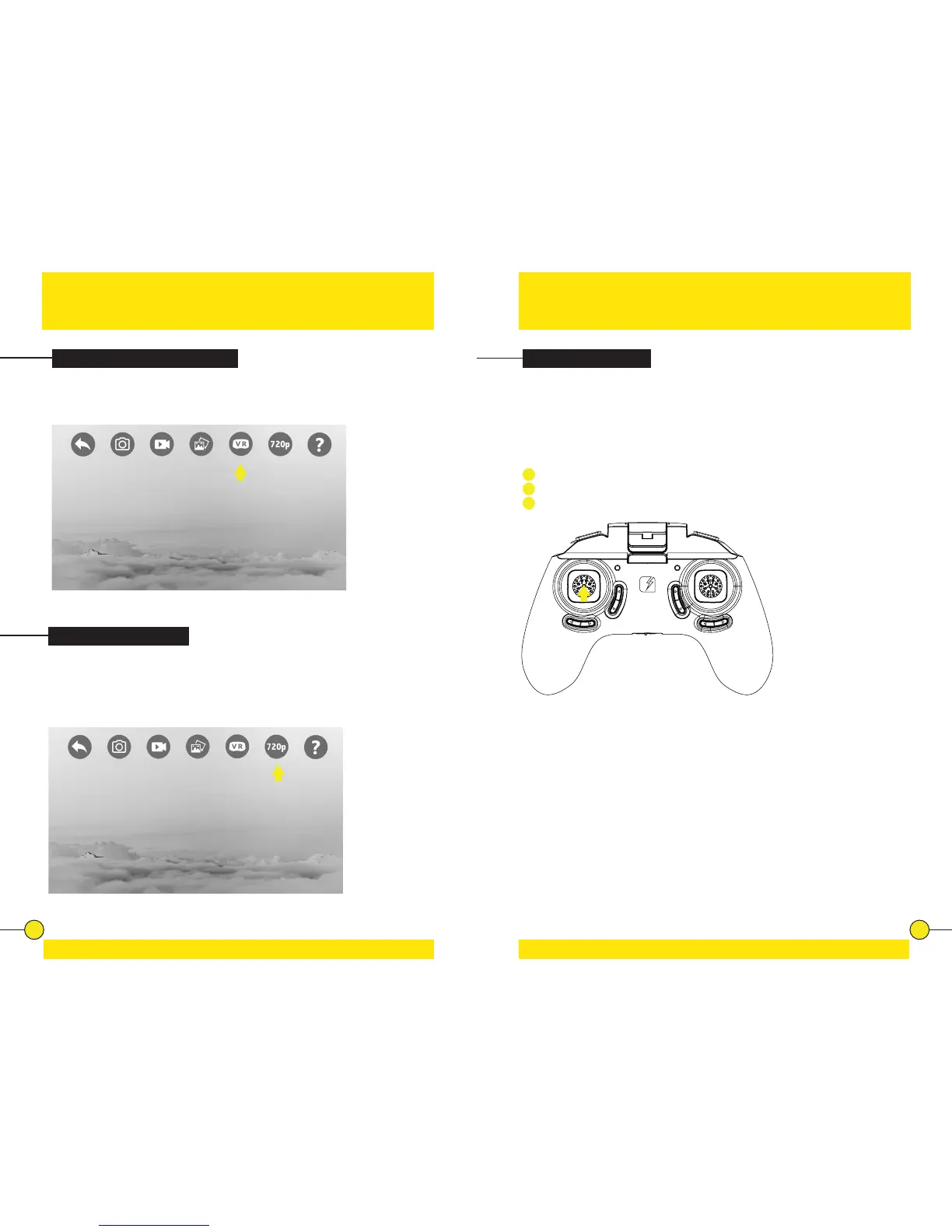
720p Preview Mode
Tap the 720p Buon to switch to 720p preview mode. The buon turns yellow
to indicate the Preview Mode is switched ON. Tap the buon again to switch
the 720p Preview Mode OFF. The buon will turn grey again to indicate the
Preview Mode is turned OFF. By default the 720P preview mode is ON.
Switching VR Mode ON/OFF
Tap the VR Mode buon to acvate VR Mode. The buon will turn yellow and
the live feed from the drone will be visible as split screen. Press the buon
again to switch back to normal view.
VR & Preview Mode Tips & Tricks
Sensivity Control
Controller Sensivity Control
The drone has three sensivity sengs: Low, Medium and High. A higher
sensivity makes the drone faster and more responsive.
Press the Throle/Rotate sck to change the sensivity:
1
When the Controller emits 1 tone = Low sensivity mode.
2
When the Controller emits 2 tones = Medium sensivity mode.
3
When the Controller emits 3 tones = High sensivity mode.


 To Next Page