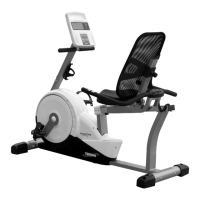
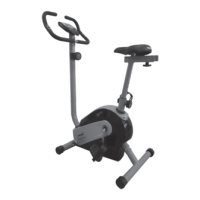
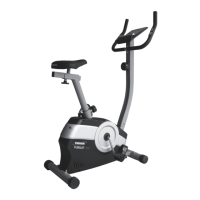
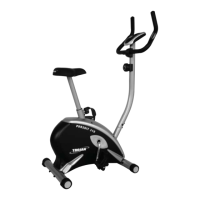
17
ADJUSTMENT INSTRUCTIONS
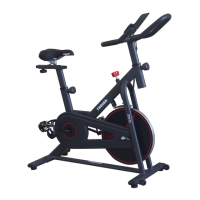
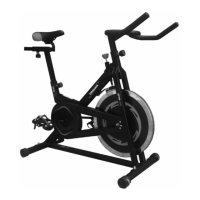
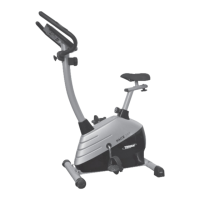
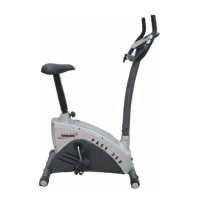
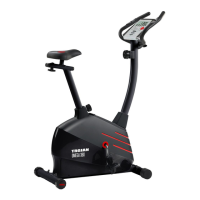
To Adjust the height of the Handlebar post (A02), loosen the Adjustment lever (B12) by rotating in an
anti-clockwise direction. Adjust the height of the Handlebars to the desired position. To lock the Handlebar post
(A02) in place, tighten the Adjustment lever (B12) by rotating in a clockwise direction.
To adjust the height of the Seat Assembly (G), loosen the Adjustment lever (B12) by rotating in an anti-clockwise
direction. Adjust the height of the Seat to the desired position. To lock the Seat assembly (G) in place, tighten the
Adjustment lever (B12) by rotating in a clockwise direction.
To adjust the vertical position of the Seat Assembly (G) loosen the Seat knob (C21) by rotating in an anti-clockwise
direction. Adjust the Seat to the required position. To lock the Seat Assembly (G) in place, tighten the Seat knob
(C21) by rotating in a clockwise direction.
SEAT AND HANDLEBAR ADJUSTMENT


 To Next Page