EN Operating Manual – Dehumidifier TTK 25 E B - 7
Start procedure
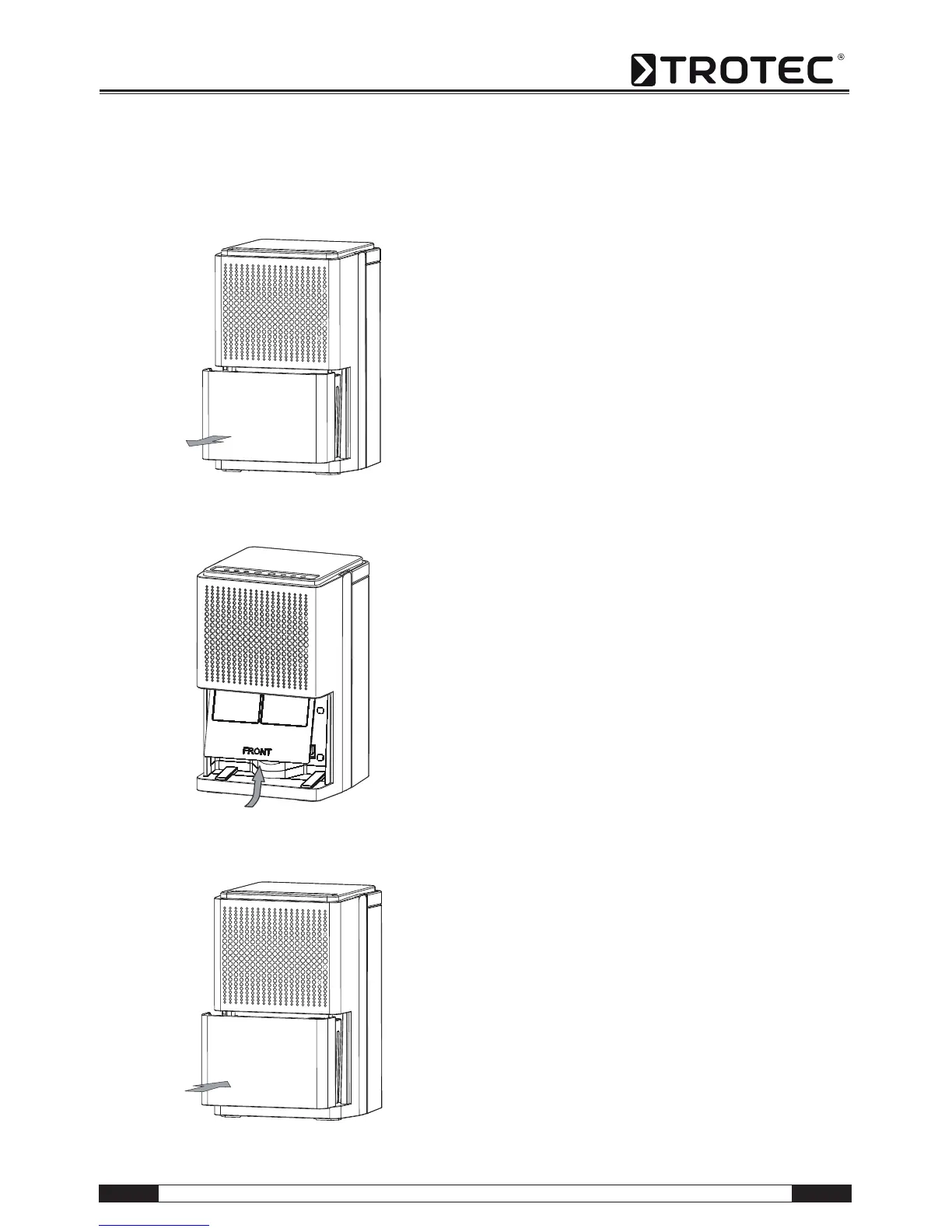
Insert air filter
Switch device on
1. Ensure that the condensation tank is empty and
inserted correctly. Otherwise, the device will not
operate!
2. Insert the mains plug into a properly secured
mains power socket.
3. Switch on the device at the mains switch (12).
4. Check whether the condensation tank indicator
light (13) is out.
5. Adjust the room's humidity to 40 %, 50 % or
60 % by repeatedly pressing the button (11).
=> The corresponding indicator light (10) for the
display of the desired relative humidity is lit.
6. Alternatively activate operation mode "Continu-
ous" using the button (11). To do so, repeatedly
press button (11) until the "Continuous" indicator
light is lit.



 To Next Page