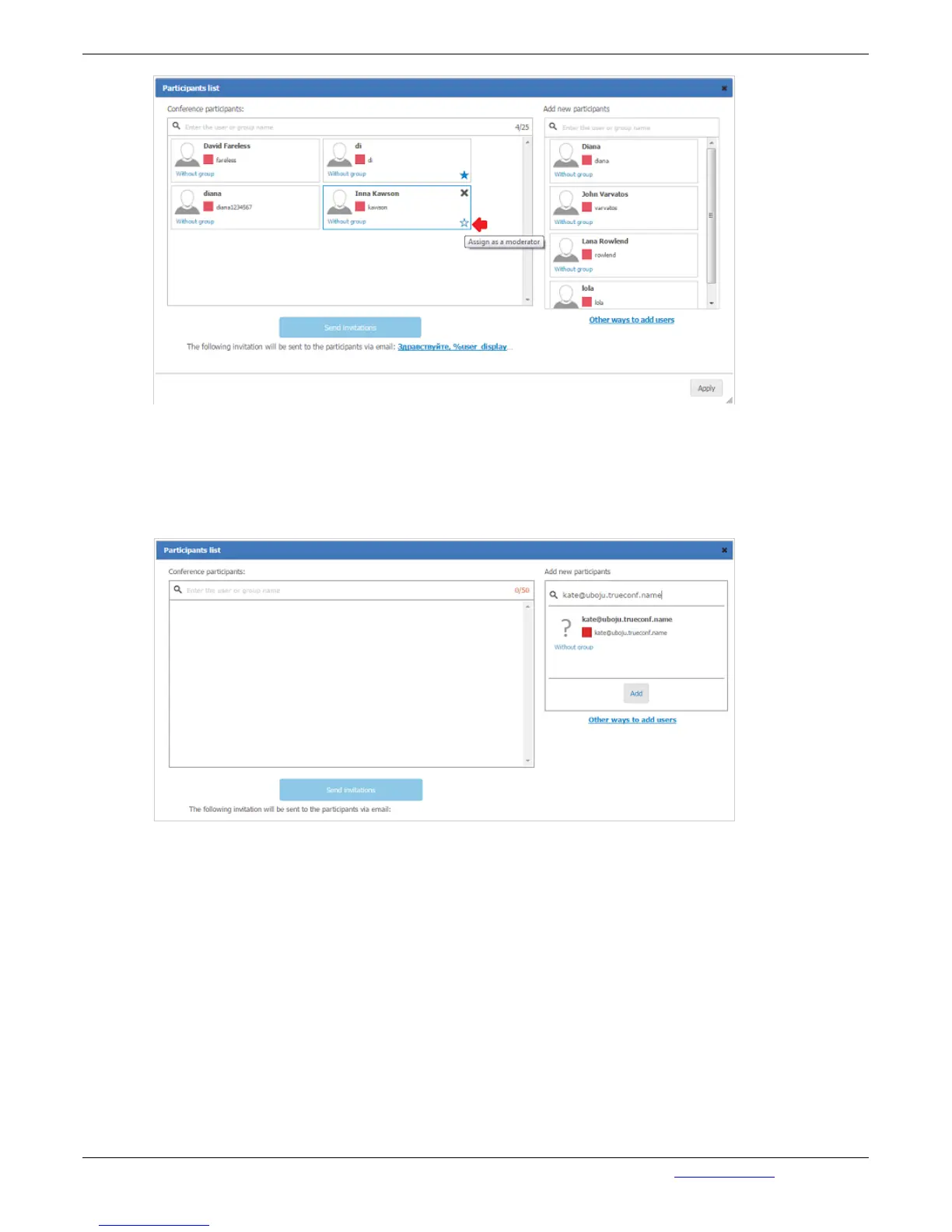
When all the users are chosen, click Send Invitations, to deliver invitations for each user. Invitation will
contain a link to the conference.
Click Apply to save changes.
Add by ID button opens a window with fields allowing to add a user by ID (in case the subscriber is not
already in the Address Book):
You can also invite Participants using the button Add Guests. In the opened menu fill in the Name and
E-mail fields, then click Add:



 To Next Page