Trueshopping
www.TrueShopping.co.uk
Page: 18 of 42
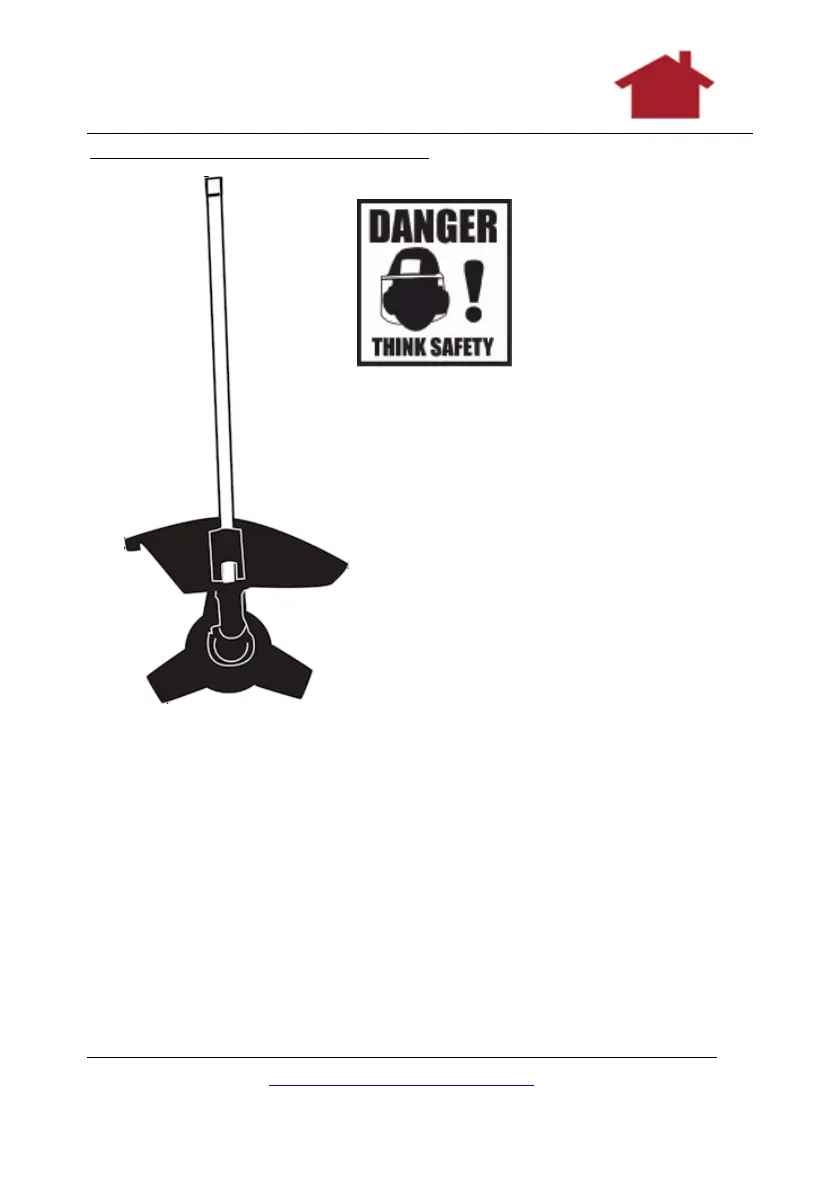
Attaching the Brush Cutter Blade
These are the parts
you need:
The long
handle as shown
which is the same as
that used for the
strimmer.
The protective cover as shown
The cutter blade as shown (in
comes in a green cover).
The appropriate tools from
the tool kit.
1. Take the silver end of the
strimmer handle (the far end) and
find the hole on the large outer silver
ring.
2. Twist this outer silver ring
until the hole lines up with another hole just underneath
on an inner ring.
3. Now look through the hole and you will see a spindle
inside.
4. Place the plug spanner on to the large nut and turn whilst
looking through the holes at the spindle. Stop turning the
nut when you can see the hole which is drilled into the
spindle. This needs to be lined up with the inner and outer
ring holes.
5. Place the Allan key through all three holes to keep them
locked and lined up.


 To Next Page